
Spreadsheets & Databases
AI tools for working with data: smart assistants for SQL queries, table analysis and spreadsheet automation.


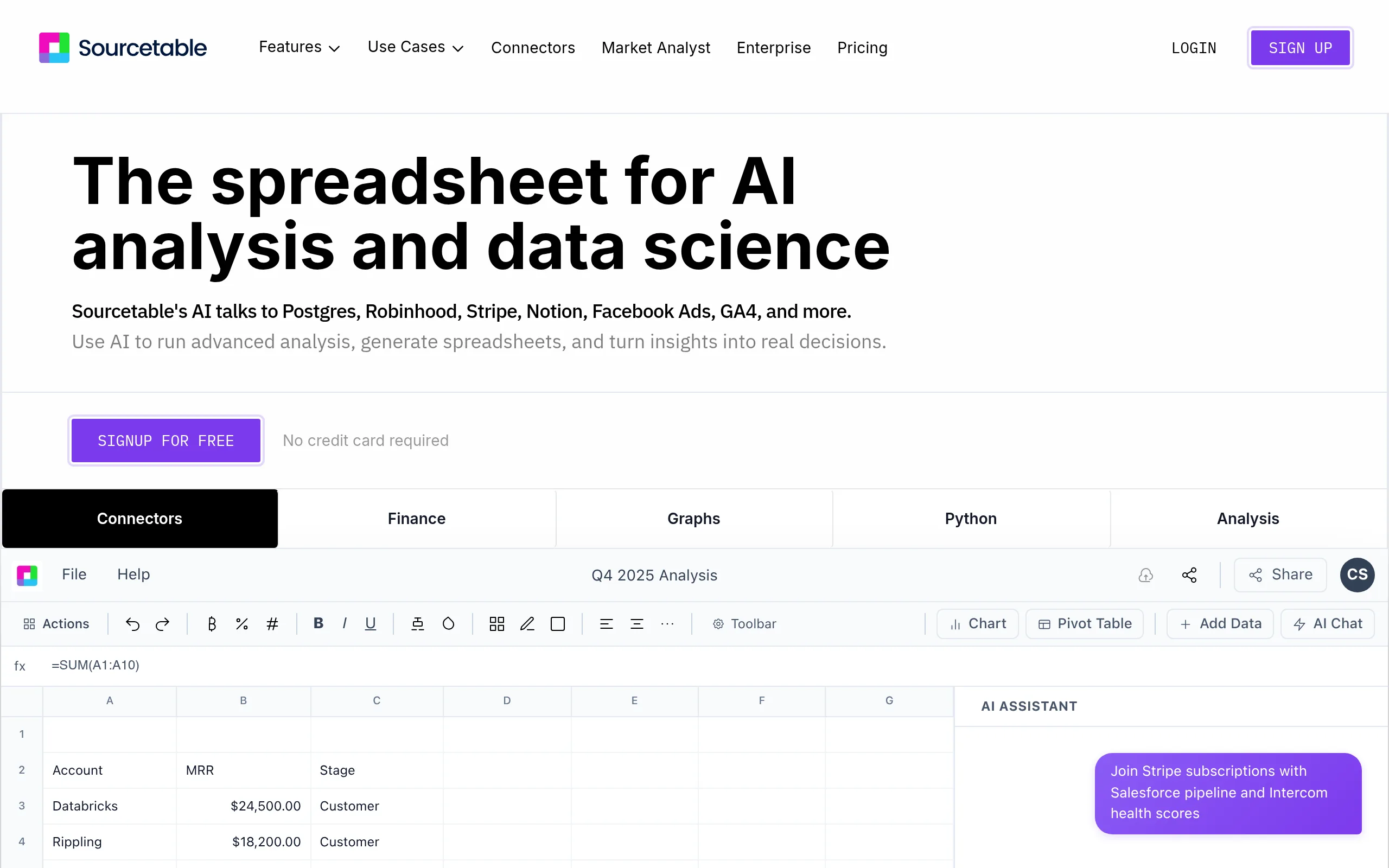
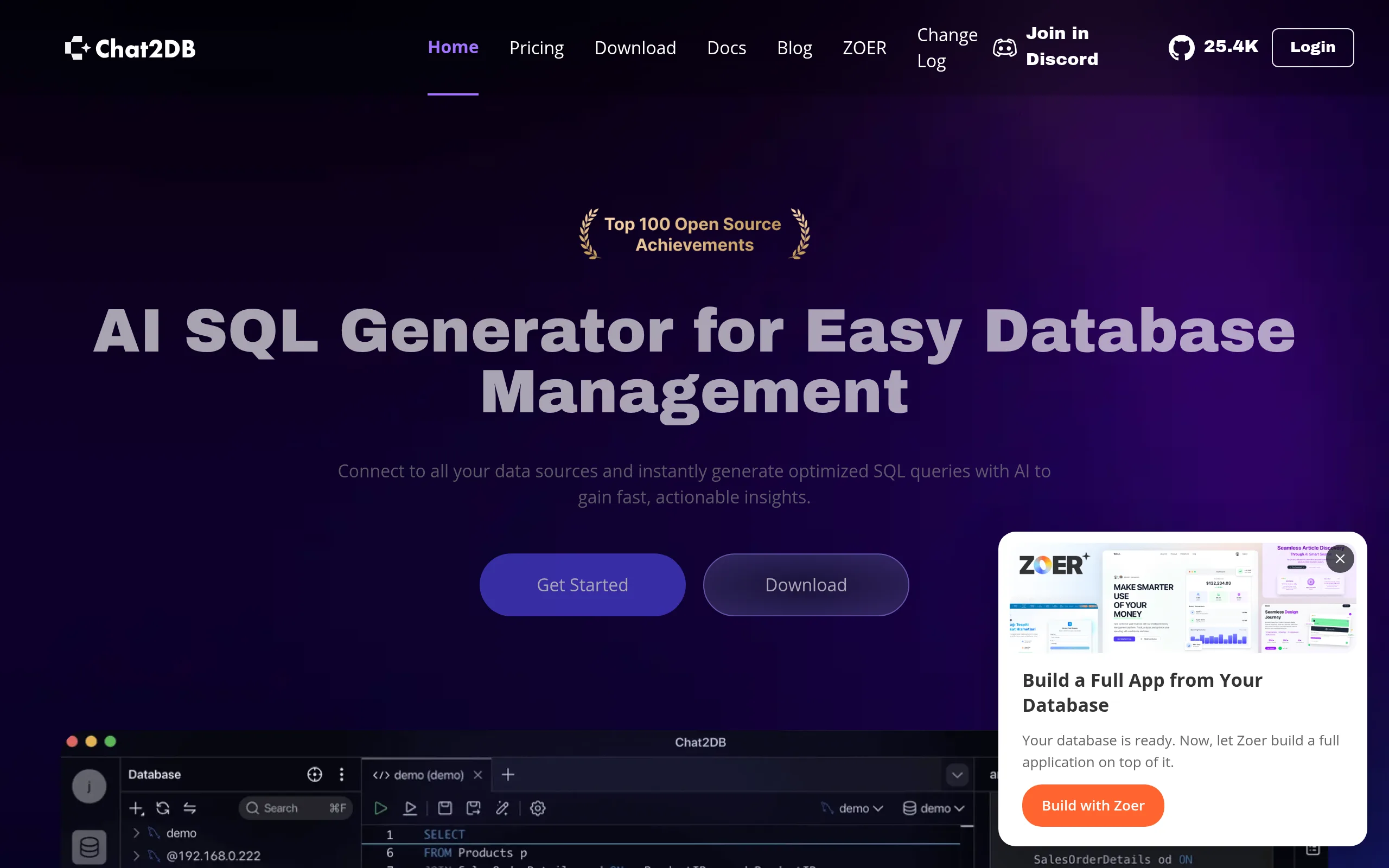
Catalog of AI Tools for Tables and Databases
In today’s data-driven world, AI for tables has become an essential assistant for professionals across various industries. Analysts, managers, and entrepreneurs rely on these intelligent tools to automate routine tasks. In this catalog, we have gathered the best solutions to help you work efficiently with spreadsheets, databases, and Excel files.
Why AI for Tables Is So Popular
Today, AI for tables significantly speeds up data processing. These tools analyze large volumes of information, identify patterns, and deliver ready-made solutions. Many professionals choose AI for working with tables to eliminate monotonous operations and focus on meaningful insights.
AI for Excel is particularly in demand. It helps create complex formulas, clean data, and visualize results. Users report that productivity increases dramatically when using these tools.
AI for Creating Tables and Excel Spreadsheets
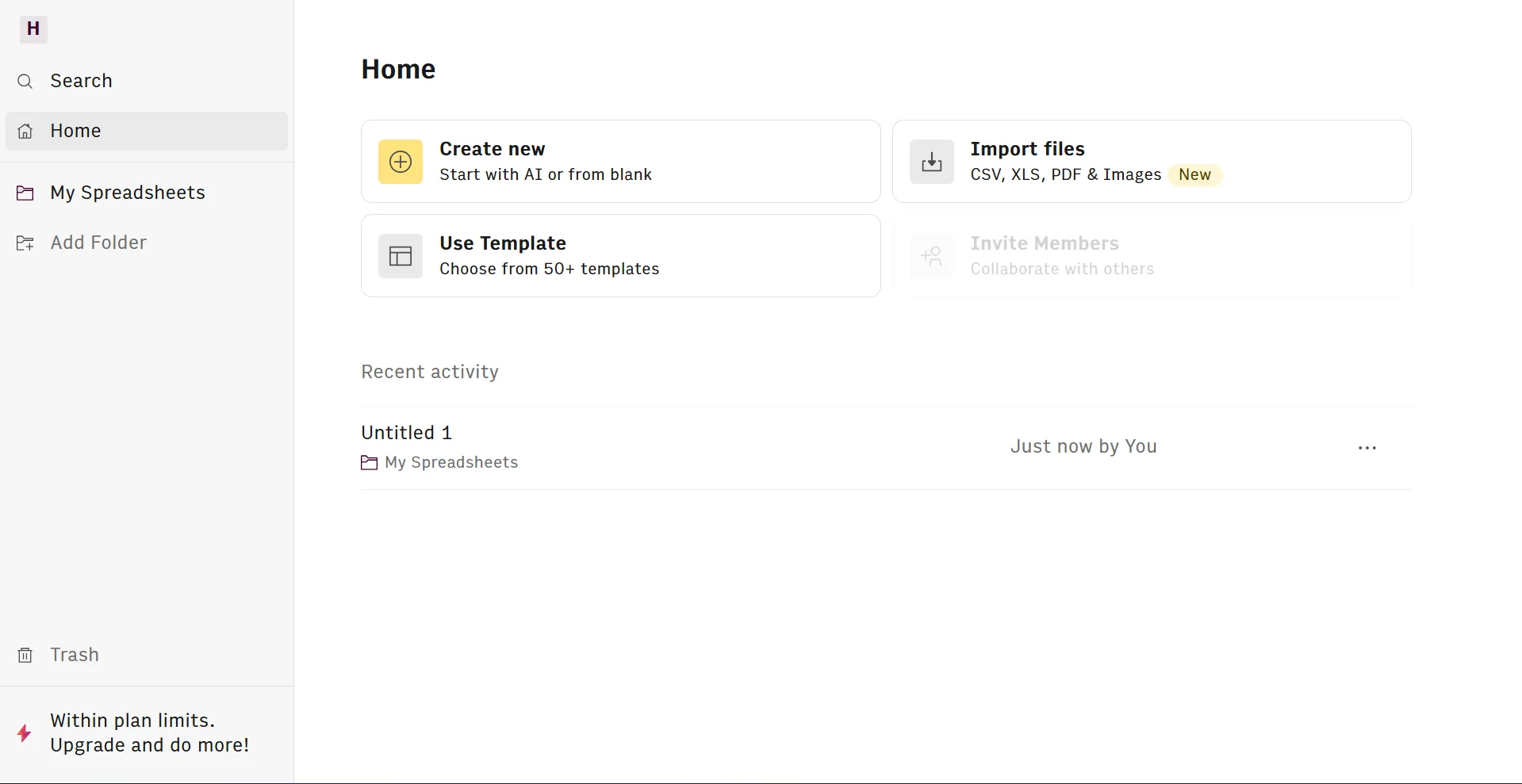
AI for creating tables simplifies building structured data from scratch. Just describe your task in plain text, and the artificial intelligence will generate a complete table with proper columns and formulas.
AI for Excel tables is especially valuable for financial reports and marketing data. It automatically suggests optimal formats and calculates key metrics. AI for working with Excel also makes it easy to convert data between different formats.
For those looking for AI for Excel, there are numerous powerful options available. They support importing from various sources and help quickly detect errors in large datasets.
Best AI Tools for Working with Tables
Here are some proven tools worth your attention:
- Universal assistants based on large language models that understand context and suggest smart formulas.
- Specialized services for Excel automation with voice command capabilities.
- Platforms for real-time collaborative work with built-in artificial intelligence features.
- Tools focused on deep data analysis and trend forecasting.
AI tools for Excel tables deliver excellent results when handling large volumes of information. They reduce human error and improve calculation accuracy.
Free AI for Tables
Many users start with free AI for tables. These versions allow you to test the functionality without any investment. Free plans usually include a limited number of requests, which is usually enough to get familiar with the tool.
Free AI for working with tables often covers the basic needs of small businesses and freelancers. You can always upgrade to a paid plan later for advanced features.
AI for Creating Databases
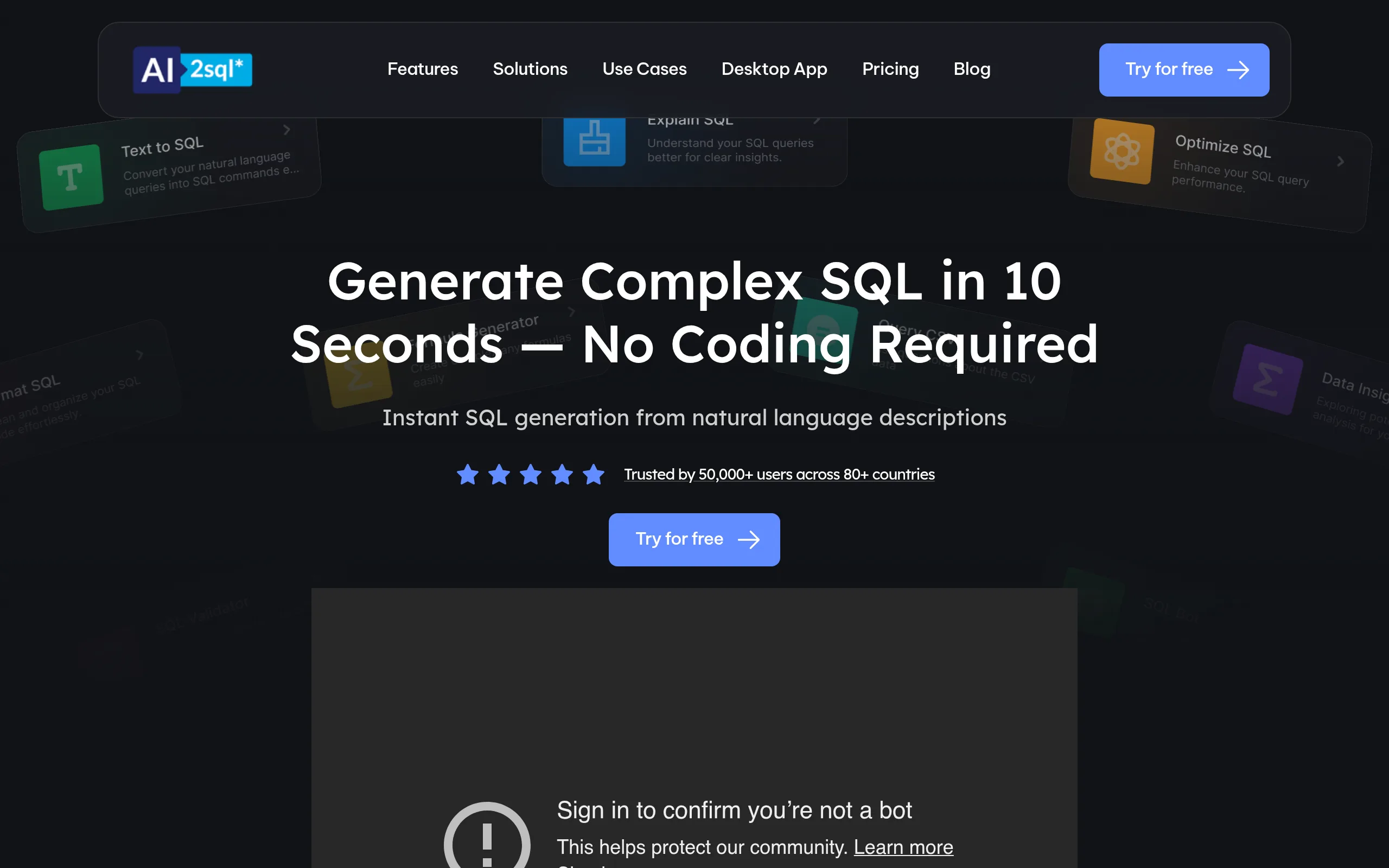
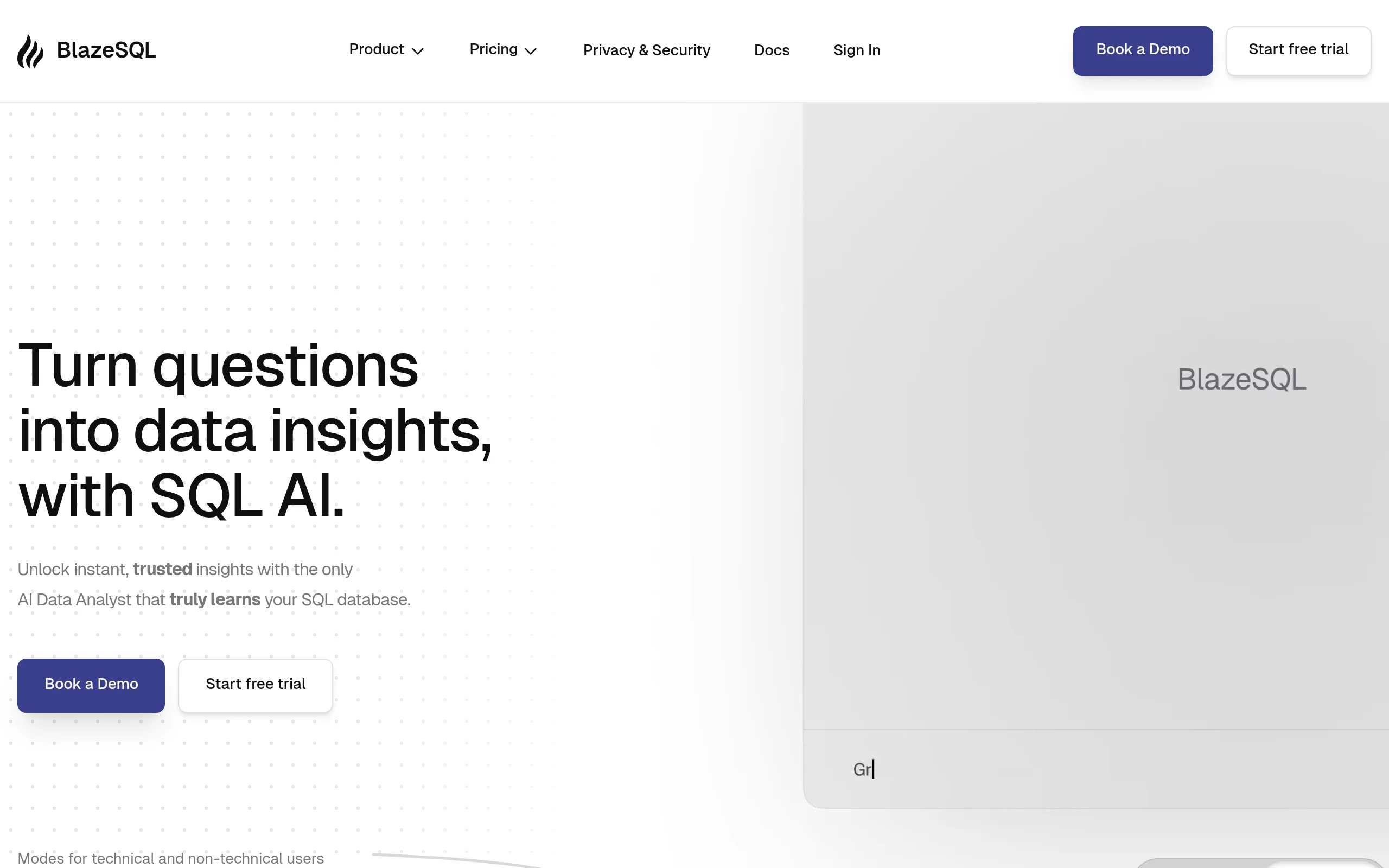
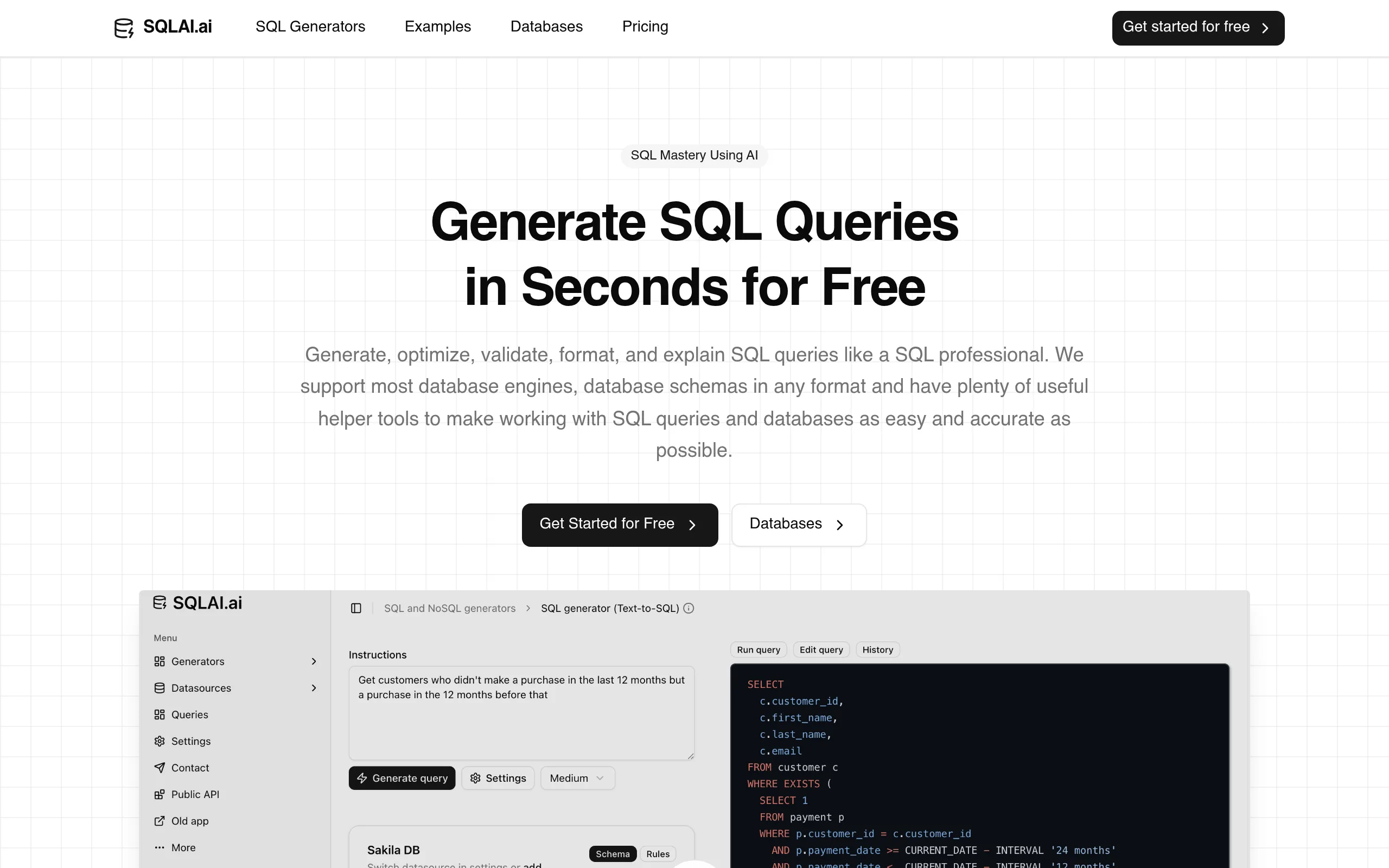
A separate category includes AI for creating databases. These tools generate SQL queries, design table structures, and assist with data normalization. This is especially valuable for developers and database administrators.
Combining AI for tables with database capabilities allows you to build a complete information storage system without needing deep technical expertise.
How to Choose AI for Working with Excel
When selecting AI for working with Excel, consider the following factors:
- Integration level with familiar programs.
- Quality of natural language understanding.
- Processing speed for large spreadsheets.
- Availability of a mobile version.
- Support for team collaboration.
Good AI for working with tables should be intuitive and provide clear explanations of its actions. High-quality AI for Excel always offers several solution options for each task.
Benefits of Using AI for Data Work
Regular use of AI for tables brings noticeable efficiency gains. Automating repetitive tasks frees up time for strategic thinking. It also reduces the likelihood of mistakes that commonly occur during manual data entry.
AI for creating tables is particularly useful when preparing presentations and reports. It can instantly adapt the structure to meet specific requirements.
Ultimately, AI for working with Excel has become an indispensable tool in the modern professional’s toolkit.
Recommendations for Getting Started
Begin with simple tasks. Try free AI for tables and gradually increase the complexity of your requests. Experiment with different prompts to better understand the capabilities of artificial intelligence.
Over time, you will learn how to get the most value from AI for creating databases and other specialized tools.
Our catalog is regularly updated, so you will always find relevant solutions for your needs.