
Coding & Development
AI tools for developers and programmers: coding assistants, low-code platforms and DevOps automation.

Catalog of AI Tools for Coding and Development
In today’s fast-paced programming world, an AI for code has become an essential assistant for developers of all levels. These intelligent tools dramatically speed up writing code, help debug issues, and generate high-quality solutions in seconds. Our catalog features the best AI tools trusted by developers worldwide.
Why AI for Writing Code Is So Popular
Today, AI for writing code simplifies routine tasks and boosts productivity. It understands project context, suggests optimal solutions, and even explains complex algorithms clearly. Developers report significant productivity gains after integrating these tools into their daily workflow.
AI for development is especially valuable when working with new technologies or learning unfamiliar frameworks and programming languages. It acts like an experienced mentor that’s always ready to guide you.
Best AI Tools for Coding in 2025
We’ve carefully selected the most effective solutions loved by professionals. Here are the top performers:
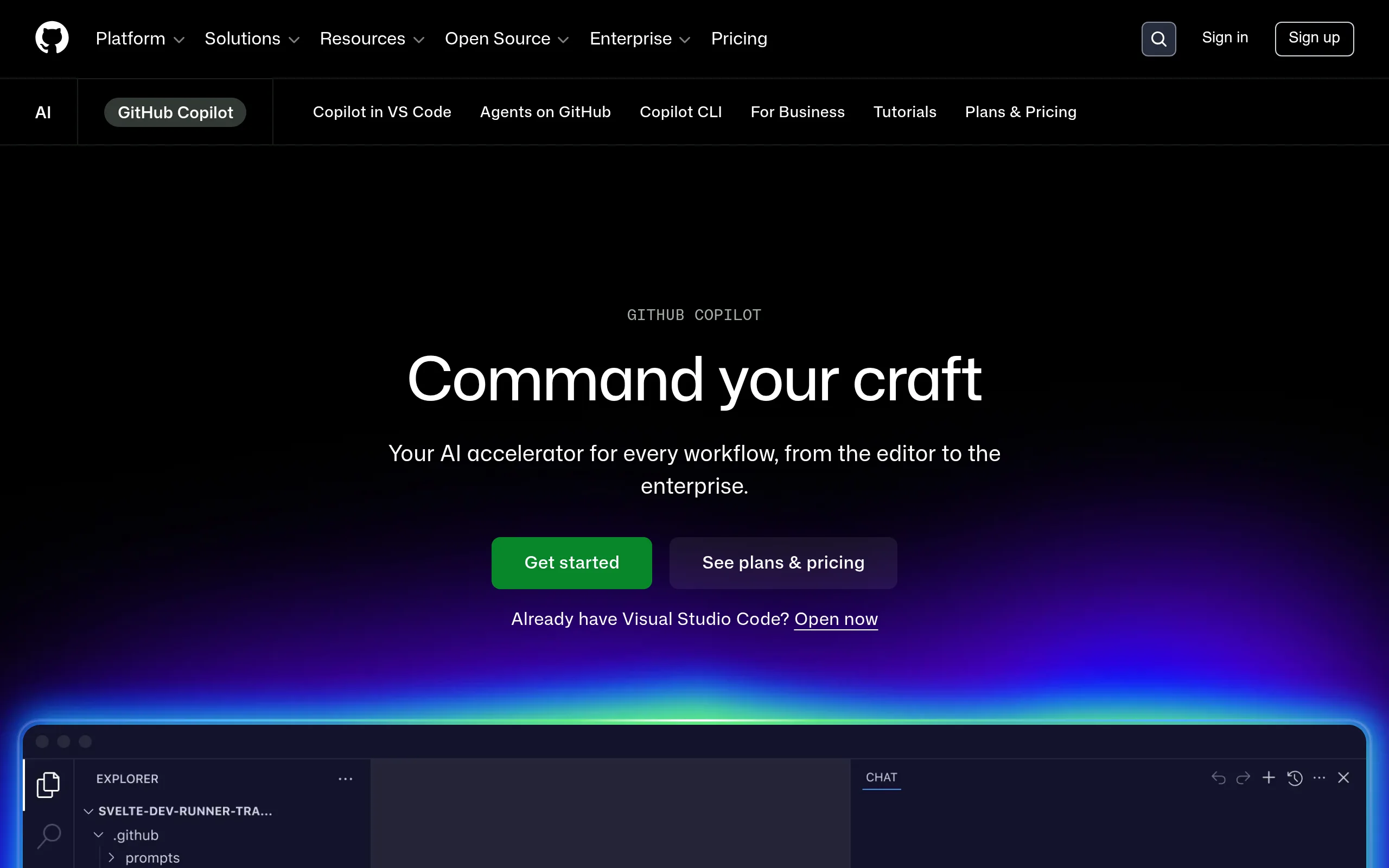
- GitHub Copilot remains a leader thanks to its seamless integration with popular code editors. This AI for programmers deeply understands developer intent and suggests complete code blocks.
- Cursor AI offers a revolutionary approach to project editing. It is one of the best AI tools for code, allowing you to work with entire files and even whole repositories at once.
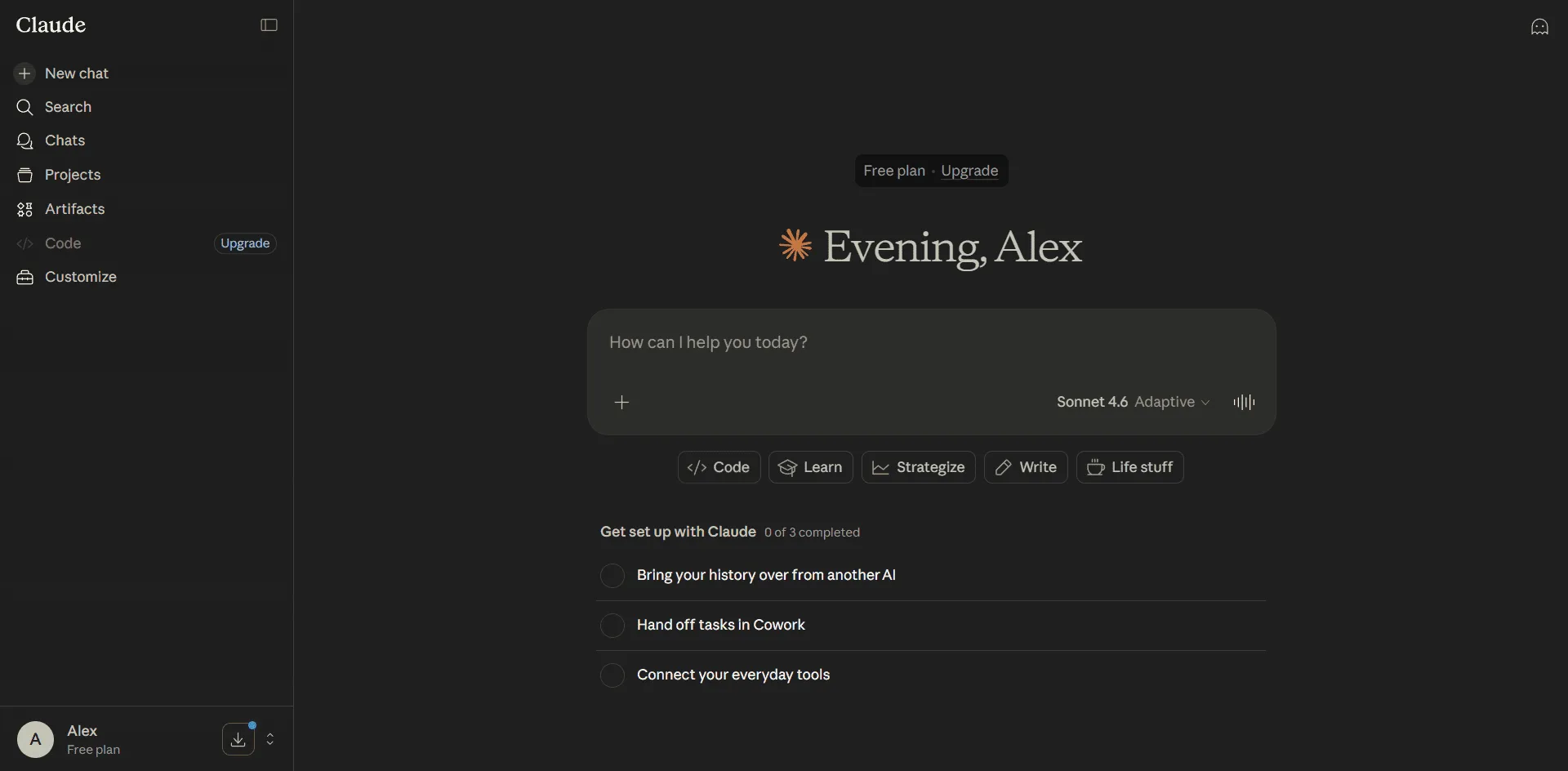
- Claude 3.5 Sonnet delivers outstanding results on complex tasks. This AI for development excels at logic, application architecture, and large-scale refactoring.
AI Tools for Developers: How to Choose the Right One
Choosing the right AI for programmers depends on your specific needs. Frontend developers need strong support for JavaScript and TypeScript, while backend specialists benefit from powerful capabilities in Python, Java, or Go.
AI tools for developers vary in speed, explanation quality, and integration depth. Some excel at debugging, while others shine at generating tests and documentation.
Free AI Tools for Development
Not every powerful tool requires a paid subscription. Free AI tools for development allow beginners and small teams to work efficiently without extra costs.
Among accessible options, Grok by xAI stands out for its great balance of quality and availability. Open-source models that can run locally are also worth considering.
How AI for Code Helps in Real Projects
Imagine starting a new module. Instead of spending hours on boilerplate code, AI for writing code delivers ready solutions in seconds. You just review and refine them.
When refactoring legacy code, the best AI tools for coding identify inefficient sections and suggest modern, optimized alternatives. This is incredibly useful in large, older projects.
Benefits of Using AI in Software Development
- Reduces coding time by up to 50 percent.
- Fewer bugs thanks to built-in logic checking.
- Faster learning of new technologies.
- Better documentation and code comments.
- Automated generation of unit tests.
The best AI tools for development have become the industry standard in top IT companies. Developers who actively use them advance faster in their careers and complete more tasks with higher quality.
Best Practices for Working with AI for Programmers
To get the most value, write clear and detailed prompts. Always specify the programming language, architectural requirements, and preferred code style. A well-crafted prompt significantly improves output quality.
Always review AI-generated code for security, performance, and compliance with project standards. AI for code is an excellent assistant, but the final decision always belongs to the developer.
In our catalog, you’ll find detailed reviews, comparisons, and usage guides for each tool. We regularly update information so you can always work with the most relevant solutions.
Whether you’re a beginner or an experienced professional, AI for writing code can take your productivity to the next level. Start using these powerful tools today and transform the way you develop software.