
Claude Code
- Included in Claude Pro ($20/month) and Max ($100–200/month)
- Available on macOS, Linux, Windows (WSL), plus CLI
- Up to 1M token context window, powered by Sonnet/Opus 4.6 models
- Open source (Apache 2.0), repository: anthropics/claude-code
- Autonomous workflows: from coding to Git commits
Claude Code is a terminal AI agent by Anthropic designed for automating development tasks. It operates through CLI, independently writing code, editing files, executing bash commands, and making Git commits. Included in Claude Pro and Max subscriptions, accessible via API and SDK for integration into CI/CD.
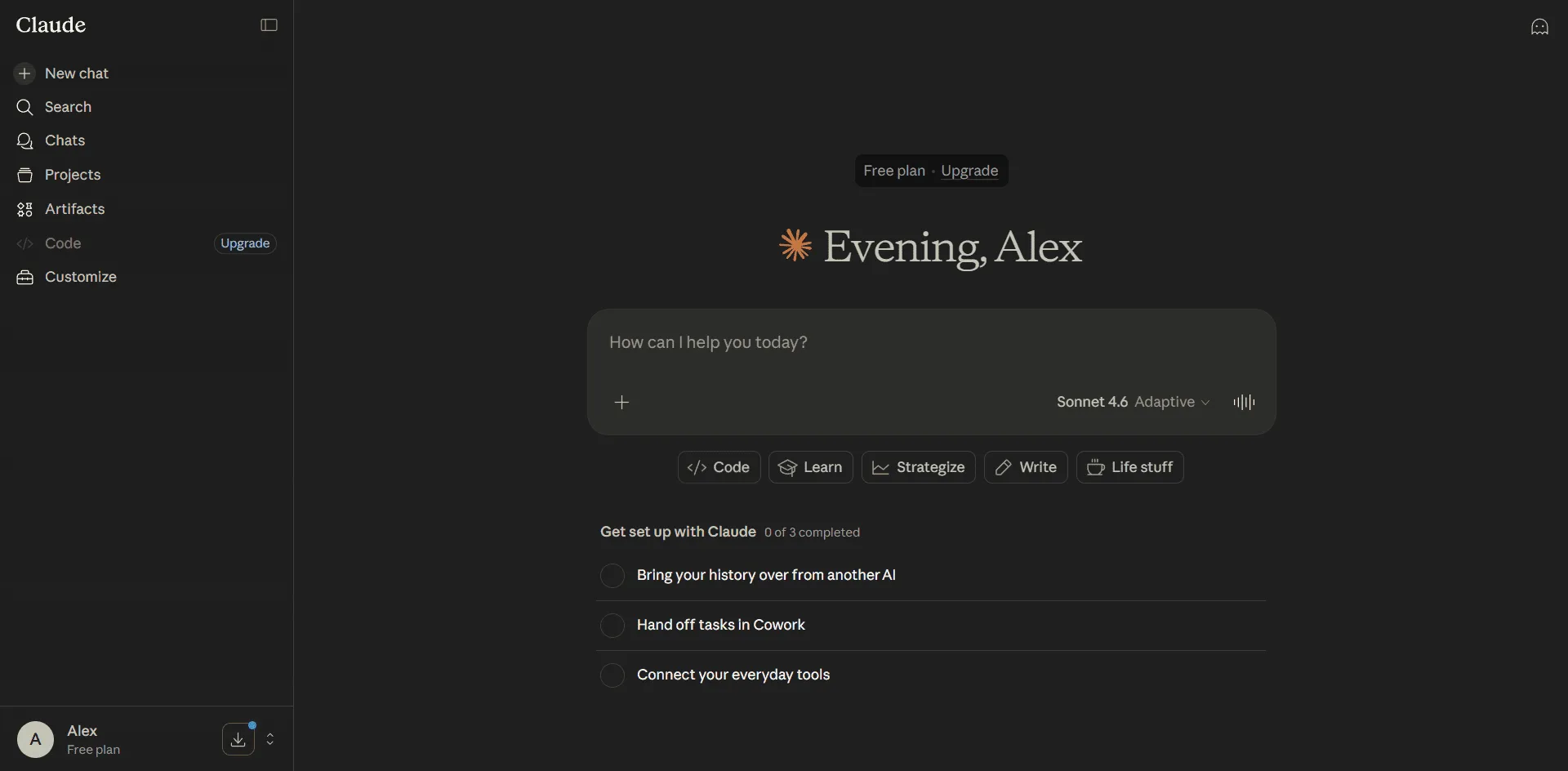
Launched on January 12, 2026, it utilizes Claude Sonnet 4.6 and Opus 4.6 models with a context window of 1 million tokens. The official Claude AI website allows subscription management, app downloads, and obtaining an API key for terminal access.
Key Features of Claude Code
- Autonomous Task Execution - analyzes code base, writes code, executes commands, commits changes, and runs tests without constant developer oversight.
- Terminal CLI Interface - installed via npm (@anthropic-ai/claude-code), operates in the command line without additional IDEs or extensions.
- CLAUDE.md - Project Instruction File - automatically loads at session start, includes coding guidelines, architectural decisions, and testing commands for consistent output.
- Hooks - Event-based Automation - link scripts to Claude actions (post-editing file, pre-command execution) to launch linters, formatters, or tests.
- Skills - Pluggable Knowledge Modules - stored in .claude/skills/, loaded on demand, saving tokens. Create skills for deployment, review, migrations and invoke with /deploy commands.
- Git Worktree Integration - claude -w flag creates a new Git working tree for parallel feature development without branch switching.
- MCP (Model Context Protocol) - standard for connecting external tools: databases, API, Slack, GitHub. Native MCP server support via CLI configuration.
- Batch API with 50% Discount - claude -p --batch flag enables batch processing for mass operations, refactoring, and CI/CD pipelines.
- Prompt Caching - Save 90% on Tokens - caches recurring context (e.g., CLAUDE.md), reducing costs during long sessions and frequent launches.
- Agent SDK for TypeScript and Python - @anthropic-ai/claude-code-sdk embeds Claude in apps, scripts, webhooks, and schedulers.
Pros and Cons
- High autonomy - from analysis to commits
- Native Git integration with worktree mode
- CLAUDE.md and Skills - flexible customization
- Token savings: Caching 90%, Batch 50%
- Open MCP ecosystem for integrations
- Claude Opus 4.6 model - context 1M tokens
- SDK for pipeline automation
- Requires internet - no local operation
- High cost with intensive usage
- Terminal only - no visual IDE integration
- Risk of uncontrolled changes (flag --dangerously-skip-permissions)
- Learning curve for beginners
- Windows only via WSL
Claude Code Pricing and Plans
Claude Code is included in Pro and Max subscriptions at no extra charge. API for program integration is available with token payment. Purchase a Claude subscription on the official website claude.ai.
- Access to Claude Code and Cowork
- Sonnet 4.6 and Opus 4.6 models
- Unlimited projects
- Session memory
- Web + mobile apps + desktop
- $17/month with annual subscription
- 5-20x usage compared to Pro
- Priority access during peak times
- Extended output limits
- Early access to new features
- All Pro features
- Sonnet 4.6: $3/$15 per 1M tokens (input/output)
- Opus 4.6: $5/$25 per 1M tokens
- Batch API: 50% discount
- Prompt Caching: 90% discount
- For script and CI/CD integration
Comparison with Alternatives
Claude Code vs Cursor: Cursor is a visual IDE (fork of VS Code) with inline code completion and Composer mode for multi-file edits. Claude Code is a terminal CLI agent with higher autonomy, deep Git integration, and SDK for programmatic management. Cursor is better for daily coding in an editor, Claude Code for automation of refactoring and CI/CD integration.
Claude Code vs GitHub Copilot: Copilot focuses on inline code completion within editors (VS Code, JetBrains). Claude Code is an autonomous agent executing commands, editing files, making commits, and running tests. Copilot is good for quick function writing, Claude Code for complex multi-step tasks and automation.
Claude Code vs Aider: Aider is a popular open-source CLI tool for pair programming with GPT/Claude. Both operate in terminals, but Claude Code has official support from Anthropic, native MCP integration, Skills and Hooks system, deeper Git integration (worktree), and agent SDK. Aider is simpler and lightweight, Claude Code is enterprise-ready with advanced capabilities.
Use Cases for Claude Code
Who is Claude Code For?
- Fullstack and Backend Developers - automate coding, refactoring, and testing routine tasks. Claude Code replaces dozens of manual operations with one command.
- DevOps Engineers and SRE - automate deployment, monitoring, log analysis, and infrastructure management. SDK for embedding in pipelines and notification systems.
- Tech Leads and Senior Developers - standardize development practices via CLAUDE.md, automated code review, and support style consistency across projects.
- Startups and Indie Developers - a "second developer" for accelerating MVP, prototyping, and test coverage. Claude Code handles 30-50% of routine work.
- Researchers and Data Scientists - automate data processing scripts, experiments, report generation, and version management in Python.
Getting Started with Claude Code
-
1Register on claude.ai - create a Claude AI account via its official website. Registration on Claude AI takes less than a minute, supports Google or email login.
-
2Subscribe or Get an API Key - pay for Claude via Pro ($20/month) or Max ($100-200/month). For API, visit the API Keys section and create a token.
-
3Install Claude Code via npm - run npm install -g @anthropic-ai/claude-code in your terminal. Requires macOS 10.15+, Ubuntu 20.04+, Windows with WSL.
-
4Run Your First Task - type claude 'create Hello World in Python with tests' in your project root. Claude will write code, create a test suite, and run verification.
Platforms and Integrations
Claude Code supports Python, JavaScript/TypeScript, Go, Rust, Java, C/C++, Ruby, PHP, Swift, Kotlin, SQL, and other programming languages. Works with any stack and framework.
Claude Code Updates and Development
In March-April 2026, Claude Code received a series of significant updates. On February 17, Claude Sonnet 4.6 model was released with enhanced coding and agent planning. On February 5, Claude Opus 4.6 was launched - a flagship of performance with a record of continuous operation for 14.5 hours. On March 13, surcharge for extended context was canceled - 1 million tokens cost the same per token as 9 thousand. Support for up to 600 images per request was added.
In March, the Agent SDK for TypeScript and Python was officially introduced, enabling embedding Claude Code in applications and pipelines. A mode for Batch API with 50% discount was introduced for mass operations. The Hooks system was improved with support for PreToolUse, PostToolUse, and Notification events. Documentation expanded and dozens of community-driven MCP servers for integrating popular tools emerged. Anthropic actively develops the ecosystem, with updates released every 1-2 weeks.
Frequently Asked Questions
Is Claude Code free?
Claude Code is included in paid Pro ($20/month) and Max ($100-$200/month) subscriptions at no extra charge. There is no free plan for Claude Code, but an API with token payment is available.
How is Claude Code different from Cursor?
Cursor is a visual IDE with inline completion, while Claude Code is a terminal agent for autonomous task execution, Git integration, and SDK for automation.
How to install Claude Code?
Run npm install -g @anthropic-ai/claude-code in the terminal after registering on claude.ai and obtaining an API key. Requires macOS 10.15+, Ubuntu 20.04+, or Windows with WSL.
Does Claude Code work on Windows?
Claude Code works on Windows only through WSL (Windows Subsystem for Linux). There is no native Windows version.
What is CLAUDE.md and why do you need it?
CLAUDE.md is a project instruction file that automatically loads at session start. It includes coding rules, architecture, and testing commands for consistent output.
Can Claude Code be used in CI/CD?
Yes, Claude Code supports integration into CI/CD through API and SDK. Set up GitHub Actions or Jenkins for automatic task execution, code review, or deployment.
Conclusion
Claude Code is a powerful terminal AI agent for automating development, refactoring, and CI/CD integration. Anthropic's Claude neural network with a context of 1 million tokens and Sonnet/Opus 4.6 models ensures high autonomy and code quality. Suitable for fullstack developers, DevOps engineers, and startups. Included in Claude Pro subscription ($20/month) at no extra cost. Download Claude on the official website claude.ai, mobile apps available on the App Store and Google Play.