
Tabnine
- Free: 10 messages/day · Pro: $9/month · Enterprise: on request
- 30+ programming languages, 15+ IDEs
- On-premise deployment for Enterprise
- Protected Mode - no licensed code in suggestions
- SOC 2, GDPR - code not used for training without consent
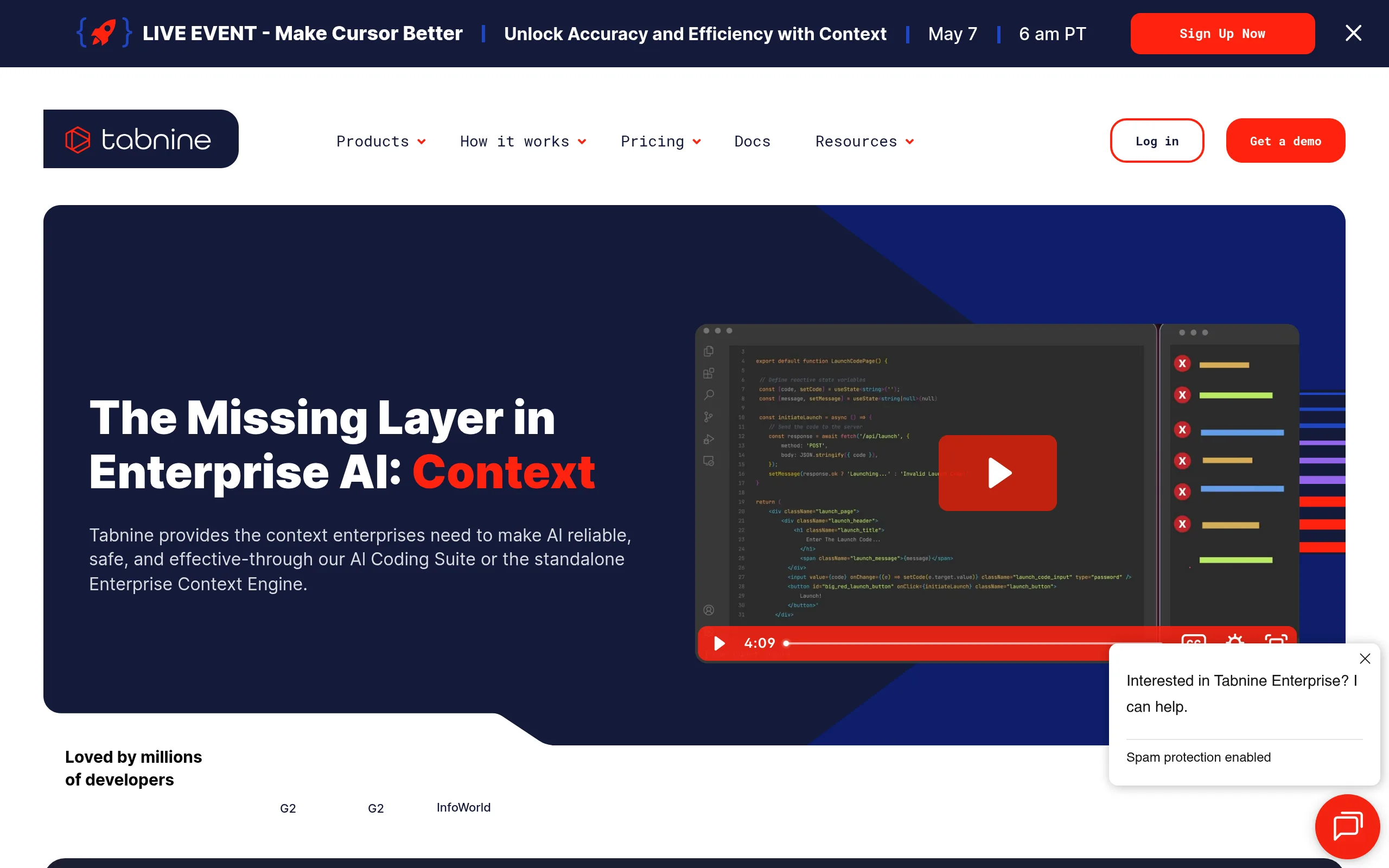
Tabnine - AI assistant for developers that works directly in IDE, offering line and function-level autocompletion, built-in chat, and test generation. Its main distinction from competitors is corporate security: code does not leave the company's infrastructure, and the model trains on the team's private repository.
Key Features of Tabnine
- Smart Code Autocompletion - offers real-time suggestions at the line and function level by analyzing the context of the current file and the whole project.
- Personalization for Team's Code Base - the model trains on the company's private repository, adapting to internal libraries and coding conventions; Enterprise version deploys on the client's infrastructure.
- AI Chat in IDE - built-in assistant answers questions about architecture, explains complex fragments, and generates documentation without leaving the editor; in Pro version - unlimited messages.
- Unit Test Generation - automatically creates tests for selected functions, analyzing logic and edge cases; supports JUnit, pytest, and other frameworks.
- Protected Mode - blocks suggestions containing licensed code, which is crucial for enterprise teams monitoring IP cleanliness.
- Tabnine Chat with Repository Context - analyzes the entire repository, understands dependencies and architecture, provides answers considering project-specifics rather than universal templates.
- Support for 30+ Languages and 15+ IDEs - works with Python, JavaScript, TypeScript, Java, Go, Rust, C/C++, and integrates with VS Code, JetBrains IDE, Vim, Eclipse, Sublime Text, Emacs, Visual Studio.
Tabnine Advantages and Disadvantages
- On-premise deployment for Enterprise
- Code not used for training without consent
- Personalization for internal repository
- Support for legacy IDEs: Eclipse, Vim, Emacs
- SOC 2 and GDPR compliance
- Free chat - only 10 messages/day
- Agent mode currently in beta
- Quality of suggestions lags behind Cursor
Tabnine Plans and Pricing
- Basic code autocompletion
- 10 messages in chat per day
- Main IDEs and languages
- Cloud processing only
- Extended autocompletion with project context
- Unlimited chat
- Test and documentation generation
- All languages and IDEs
- 14-day trial period
- Personalization on corporate code base
- On-premise / own infrastructure
- Protected Mode and access control
- SSO, SAML, SOC 2, GDPR
- Dedicated support
Tabnine vs Competitors
GitHub Copilot is more deeply integrated into the GitHub ecosystem and offers a stronger agent mode, but lacks on-premise option and falls short of Tabnine in data control-a critical parameter for fintech and medtech companies.
Cursor leads in agent and multifile editing, but only works as a standalone IDE, not a plugin-which makes it unsuitable for teams standardized on JetBrains or Eclipse. Codeium offers a more generous free plan but loses to Tabnine in the depth of corporate personalization and ability to train on a private repository.
Tabnine Use Cases
Who Tabnine is Suitable For
- Enterprise Teams (fintech, medtech, defense contractors) - require on-premise AI assistant with SOC 2 and GDPR policies.
- Backend and Full-stack Developers on Java, Python, TypeScript, Go - need contextual autocomplete understanding large projects.
- Technical Leads and Architects - evaluate AI tools for the team and prioritize security over feature richness.
- DevOps Engineers - work with bash, Terraform, Kubernetes manifests in supported IDEs.
How to Get Started with Tabnine
-
1Sign Up - create an account at tabnine.com, free plan available immediately without a card.
-
2Install Plugin - find Tabnine in VS Code, JetBrains, or the required IDE marketplace and install the extension in 1 minute.
-
3Activate Pro Trial - 14 days free: open the Tabnine panel in IDE and click “Start Free Trial” to unlock unlimited chat and project context.
-
4For Enterprise - contact sales team through the site form to set up on-premise deployment and model training on corporate repository.
Frequently Asked Questions about Tabnine
Can Tabnine be used for free?
Yes, the free Dev plan is available without time limitations, but includes only 10 chat messages per day and basic autocompletion. Pro plan costs $9/month with annual payment and offers a 14-day trial period.
Is it safe to use Tabnine in enterprise development?
Tabnine is SOC 2 and GDPR certified, does not train on user code without explicit consent. Enterprise version is deployed on-premise-code physically does not leave the company's infrastructure.
How does Tabnine differ from GitHub Copilot?
Tabnine excels in data privacy and on-premise deployment, and supports more IDEs including Eclipse and Emacs. GitHub Copilot offers a richer free plan and more powerful agent mode.
Which programming languages does Tabnine support?
Tabnine supports 30+ languages including Python, JavaScript, TypeScript, Java, Go, Rust, C/C++, Scala, COBOL, and configuration formats for DevOps. The full list is available in the documentation on the website.
Conclusion: Is Tabnine the Right Choice?
Tabnine is a mature choice for teams where code privacy is more important than advanced agent features. If your company operates in a regulated industry or requires an on-premise AI assistant with personalization for an internal repository, Tabnine remains a leader in this niche among all AI tools for developers through 2025.