
Windsurf
- Free - $0/mo, Pro - $20/mo, Max - $200/mo
- Windows, macOS, Linux, VS Code, JetBrains, Vim, Xcode, Android Studio
- 70+ programming languages, 40+ IDE plugins
- #1 in LogRocket AI Dev Tool Rankings (February 2026)
- Cascade agent: multi-file edits without constant supervision
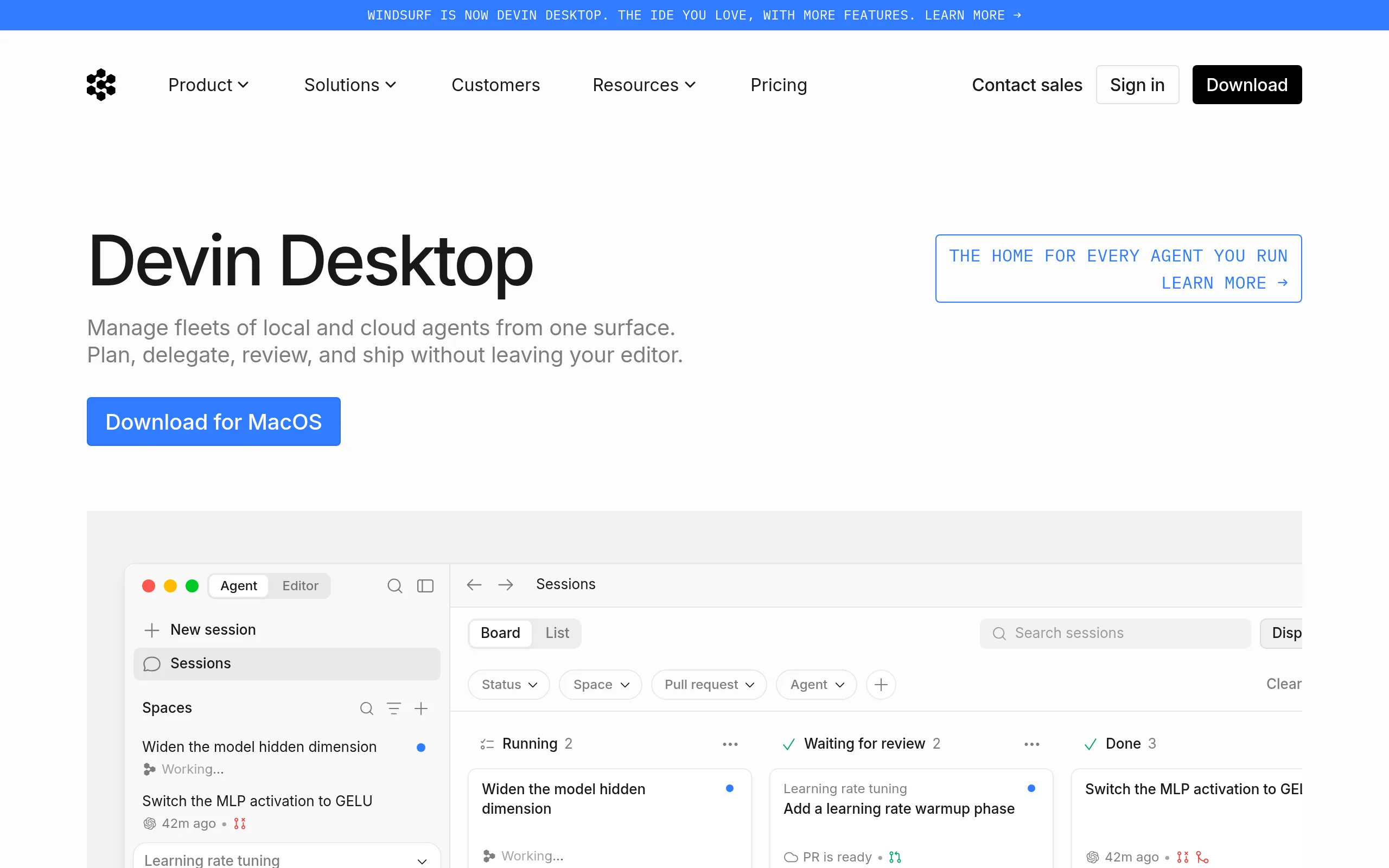
Windsurf is an agent-based IDE from Cognition AI (formerly Codeium), launched in November 2024. Unlike auto-completion plugins, the platform is built around the Cascade agent: it retains the context of the entire repository, makes changes to dozens of files in one operation, and autonomously completes tasks without constant developer involvement.
Key Features of Windsurf
- Cascade - agent system - understands the entire code project, plans multi-file edits, runs terminal commands, and iteratively fixes errors without supervision; one operation covers 12+ files.
- Supercomplete and Windsurf Tab - one Tab press automatically imports dependencies, fills out a template function, or suggests installing a missing package based on the entire project context.
- Devin - cloud standalone agent - performs debugging, testing, and deployment on a separate cloud machine while the developer continues coding locally or simply closes the laptop.
- Memories - long-term context - retains coding style, naming conventions, and file structure between sessions; Cascade eventually generates code that exactly matches the project's accepted standards.
- Codemaps and Fast Context - AI-annotated visual architecture maps down to line level based on the SWE-1.5 model, providing context extraction 10 times faster than standard solutions.
- MCP Integrations and Turbo Mode - through the Model Context Protocol, Cascade connects to Figma, Slack, Stripe, PostgreSQL, Playwright without leaving the editor; Turbo Mode runs terminal commands automatically.
- Multimodality and BYOK - first-class access to GPT-5, Claude Opus 4.7, Gemini 3.1 Pro, and proprietary SWE-1 / SWE-1.5; users connect their own API keys at any tier.
Advantages and Disadvantages
- Cascade maintains context for 12+ files
- 40+ plugins: JetBrains, Vim, Xcode
- Memories adapts to project style
- Tab completions free on all tiers
- #1 LogRocket Rankings, February 2026
- Devin works in the background - you can close your laptop
- Crashes 2-3 times a week on large projects
- Quota consumption is unclear for new users
- Slow cold start in a new session
- Uncertainty after Cognition AI acquisition
Windsurf Pricing
As of March 2026, the service transitioned from a credit system to daily and weekly quotas. Tab auto-completions are free on all plans; exceeding the quota incurs extra charges at API model rates.
- Unlimited Tab completions
- Limited Cascade and Chat quota
- SWE-1.5 Lite at no credit cost
- 1 deploy per day
- BYOK supported
- Expanded Cascade quota
- SWE-1.5 full + all premium models
- 5 deploys per day
- 14-day trial period
- Significantly increased quota
- All models included
- For intensive users
- All Pro features
- Centralized billing
- Pooled team quotas
- SSO at +$10/user/mo
- SSO and RBAC included
- Hybrid on-premises/cloud deployment
- SOC 2 Type 2, FedRAMP High, HIPAA
- 1000 credits with 200+ seats
Windsurf vs Competitors
Closest competitor - Cursor - functions solely as a VS Code fork and focuses on manual AI control. Windsurf offers plugins for 40+ environments, the Memories system, and proprietary SWE models; after March 2026, both cost $20/mo at the Pro level.
GitHub Copilot covers 20+ million users as a plugin for existing editors with a focus on inline suggestions. Windsurf works differently: the agent retains the context of the entire repository, not just the open file, which is crucial for large-scale refactoring.
Claude Code - a terminal agent from Anthropic without a visual interface. Windsurf covers the same niche of autonomous agent work, adding a GUI, live UI preview, Codemaps, and multimodality in a single desktop editor.
Use Cases
Who Should Use Windsurf
- Middle/Senior Developers - work with large codebases and need an agent capable of making coherent changes across dozens of files.
- Teams and Startups - utilize centralized billing in Teams, maintain a unified code style with Memories, and delegate routine tasks (tests, migrations) to the agent.
- Data Scientists and ML Engineers - work with Python and analytic pipelines; the platform supports 70+ languages and understands the context of the entire repository.
- Developers using JetBrains/Vim/NeoVim - gain full agent functionality without changing their familiar environments: plugins are available for IntelliJ, WebStorm, PyCharm, GoLand, CLion.
How to Get Started with Windsurf
-
1Download the editor or install the plugin - on windsurf.com, choose between the desktop client (Windows/macOS/Linux) or the plugin for VS Code, JetBrains, Vim/NeoVim.
-
2Create an account - registration via email or GitHub takes less than a minute; the free plan activates automatically.
-
3Open a project and launch Cascade - press the hotkey for agent mode, describe a task in natural language, and allow the agent to index the repository.
-
4Activate the 14-day Pro trial - to evaluate full access to SWE-1.5, Claude Opus 4.7, and GPT-5 without the limitations of the free plan.
Frequently Asked Questions
Is Windsurf free?
Yes - the free plan includes unlimited Tab completions, inline edits, access to SWE-1.5 Lite, and 1 deploy per day. The Cascade quota is limited, but BYOK allows connecting your own API key without credits.
How does Windsurf differ from Cursor?
Cursor is a VS Code fork with a focus on manual control; Windsurf offers plugins for 40+ environments (JetBrains, Vim, Xcode), a Memories system, and proprietary SWE models. After March 2026, both are $20/mo at the Pro level.
What is Cascade and how does it work?
Cascade is an agent system that indexes the entire repository, plans multi-file edits, runs terminal commands, and iteratively fixes errors without constant developer involvement. One operation can cover 12+ files simultaneously.
Is it safe to store code in Windsurf?
The Enterprise tier includes SOC 2 Type 2, FedRAMP High, and HIPAA, along with a hybrid on-premises deployment option. The BYOK option is available on all tiers - code is processed via the user's API key.
Conclusion
Windsurf is a mature tool for developers who need an agent with real project understanding, not just a smart autocomplete. If you work with large codebases, use JetBrains or Vim, and want to delegate routine tasks to the agent - start with the free plan and activate the 14-day Pro trial to fully assess its capabilities.