
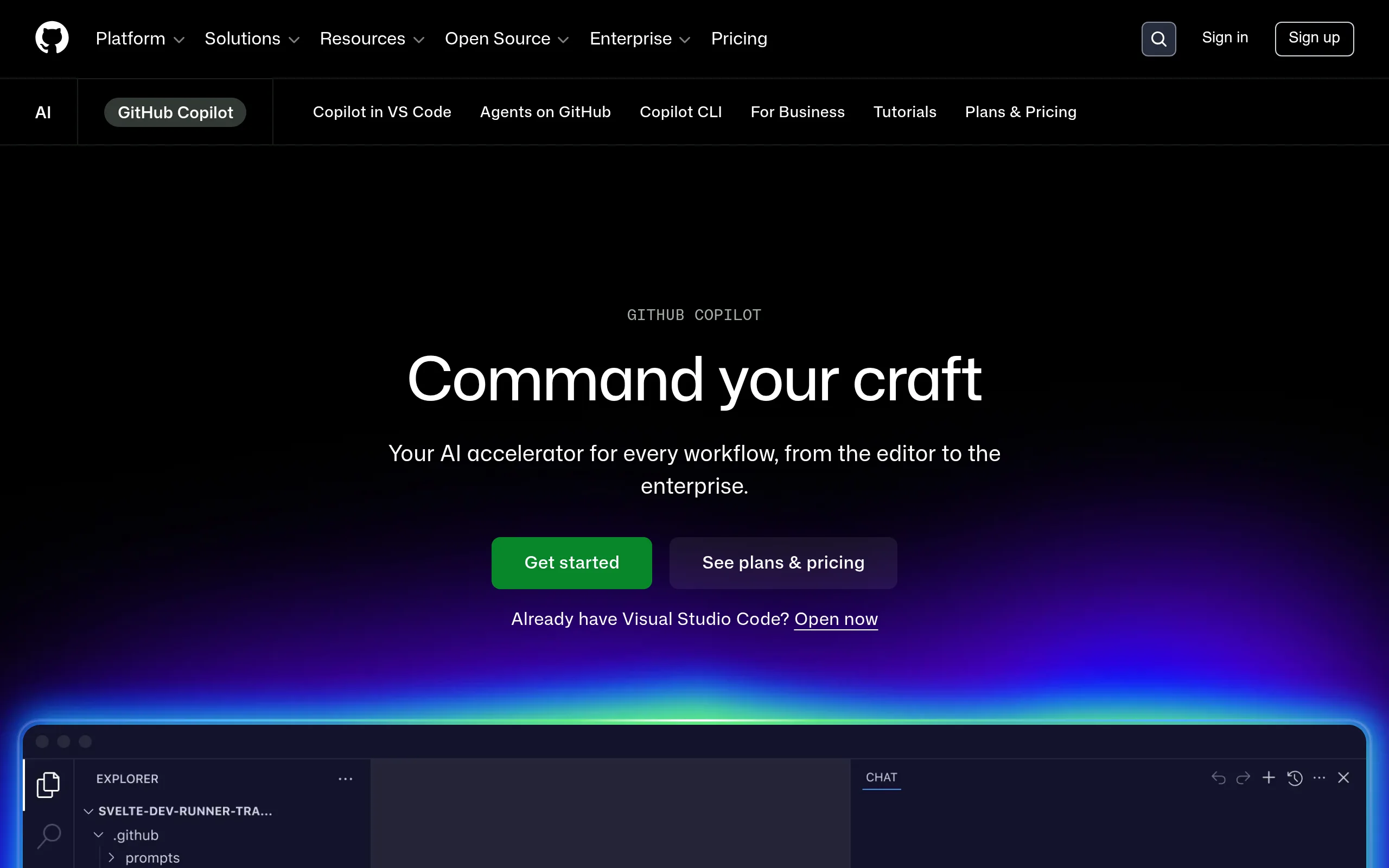
GitHub Copilot
- Free: 2000 autocompletions + 50 chat requests/month
- Pro - $10/month, Pro+ - $39/month, Business - $19/month/user
- VS Code, Visual Studio, JetBrains, Neovim, Xcode, CLI
- Models: GPT-4o, Claude 3.7 Sonnet, Gemini 2.0 Flash, o3-mini
- Students - free through GitHub Education
AI assistant right in your code editor
GitHub Copilot - AI assistant for programmers from GitHub (Microsoft), integrated directly into the code editor. It analyzes the context of the file and project, suggests entire functions and code blocks, conducts chat on development questions, and in agent mode autonomously performs multi-step tasks - from writing code to running tests.
Key features of GitHub Copilot
- Smart code autocompletion - analyzes the entire context of the file and project, generates complete functions, classes, and blocks in Python, JavaScript, TypeScript, Go, Ruby, C#, C++, and 50+ other languages.
- Agent mode (Copilot Agent) - autonomously creates and edits multiple files, runs terminal commands and tests, iterates to the correct result without constant developer intervention.
- Built-in AI chat - chat mode within IDE for code explanations, refactoring, generating tests, and documentation; supported in VS Code, Visual Studio, all JetBrains IDEs, Neovim, and Xcode.
- Copilot for Pull Requests - automatically generates PR descriptions, analyzes changes, and suggests improvements before the reviewer opens the request.
- Copilot CLI - composes shell commands based on natural language description, explains complex bash/PowerShell constructs, and automates command line routine.
- Selection of AI models - users switch between GPT-4o, Claude 3.5/3.7 Sonnet, Gemini 2.0 Flash, o1, and o3-mini depending on the task and plan.
- Extensions and integrations - extensions connect Docker, Sentry, Datadog, Azure, Jira, and Linear directly into the chat interface without switching between tools.
Pros and cons of GitHub Copilot
- Deep integration with GitHub PR and Codespaces
- Support for 10+ IDEs out of the box
- Choice of 5+ AI models
- Agent mode is truly autonomous
- Free plan: 2000 autocompletions/month
- Students - free through GitHub Education
- Corporate audit and turning off learning on code
- Pro+ ($39/month) too expensive for private developers
- Agent unstable in complex multi-file tasks
- Requires constant internet connection
- May offer outdated code for new frameworks
- Code is transferred to GitHub cloud
GitHub Copilot pricing and plans
- 2000 code autocompletions/month
- 50 chat requests/month
- GPT-4o and Claude 3.5 Sonnet
- VS Code, JetBrains, Xcode
- Unlimited autocompletions
- Unlimited chat requests
- GPT-4o, o1, o3-mini, Claude 3.7, Gemini 2.0
- Agent mode + Copilot CLI
- 30 days free trial
- Everything from Pro
- Extended access to powerful models
- Priority for new features
- Increased limits for Premium models
- Everything from Pro
- Organization policy management
- Usage audit
- SAML SSO
- Disabling prompt saving
- Everything from Business
- Fine-tuning on your own repositories
- Custom knowledge bases
- Copilot Workspace
- GitHub Enterprise Server
GitHub Copilot vs competitors
Cursor - VS Code-based fork-IDE with a deeper Composer mode, which many developers find more powerful than Copilot's agent mode. However, Copilot works as an extension in any familiar IDE and wins in integration with the GitHub ecosystem.
Tabnine emphasizes full on-premise mode without sending code to the cloud - a critical advantage for enterprises with strict security requirements. Copilot offers broader functionality and frequent updates but requires cloud connectivity.
Amazon Q Developer (formerly CodeWhisperer) is optimized for AWS and has no limits on autocomplete in the free plan. Copilot excels in model quality and feature diversity, but Q Developer is more advantageous for AWS-oriented teams. Windsurf by Codeium attracts with a free plan without limits and its own IDE, yet Copilot wins in product maturity and IDE coverage.
Use cases for GitHub Copilot
Who is GitHub Copilot suitable for
- Individual developers and freelancers - speed up writing routine code, tests, and documentation without changing the usual workflow.
- Startup engineering teams - shorten time-to-market and reduce the burden on senior developers thanks to AI assistant in code review.
- Enterprise developers - get corporate security guarantees, audit, SAML SSO, and fine-tuning on own repositories.
- Students and beginner programmers - use Copilot for free through GitHub Education for learning new languages and getting code explanations.
- DevOps engineers and SREs - automate shell scripts, write Terraform/Kubernetes YAML and optimize CI/CD pipelines via Copilot CLI.
How to start using GitHub Copilot
-
1Create or sign in to a GitHub account - go to github.com/features/copilot and click “Start for free”. A GitHub account is required for any plan.
-
2Select a plan - Free is suitable for getting acquainted (2000 autocompletions/month), Pro ($10/month) gives unlimited access and agent mode. Pro trial - 30 days free.
-
3Install the extension in IDE - in VS Code open Extensions, find “GitHub Copilot”, and install. For JetBrains IDE - Plugins → Marketplace → GitHub Copilot.
-
4Authorize through GitHub - the extension will ask to log in to the account. After authorization, autocompletions will appear instantly while typing code.
-
5Open chat and agent mode - press Ctrl+Shift+I (VS Code) to open Copilot Chat. In Agent mode, enter the task - Copilot will start autonomously writing, running, and fixing the code.
Frequently asked questions about GitHub Copilot
Is GitHub Copilot free?
Yes, the free plan includes 2000 autocompletions and 50 chat requests per month with access to GPT-4o and Claude 3.5 Sonnet. Students and teachers get Copilot Pro free through GitHub Education.
How does GitHub Copilot differ from Cursor?
Cursor is a standalone VS Code-based IDE fork with a deeper agent mode Composer, while Copilot works as an extension in any familiar IDE. Copilot wins in integration with GitHub and editor coverage, Cursor in the depth of agent capabilities.
Is it safe to use GitHub Copilot for corporate code?
Business and Enterprise plans offer disabling prompt saving for model training, usage audit, and SAML SSO. However, code is still transferred to the GitHub cloud - for full on-premise deployment, consider Tabnine.
What programming languages does GitHub Copilot support?
Copilot supports 50+ programming languages including Python, JavaScript, TypeScript, Go, Ruby, C#, C++, Rust, Java, PHP, and others. The chat interface works in Russian, English, Chinese, Japanese, and 5+ other languages.
GitHub Copilot with 15M+ users and 77,000+ organizations - one of the most mature AI assistants for development. The 2025 free plan is sufficient for real acquaintance with the tool, and Pro for $10/month unlocks agent mode and a choice among five AI models. If you write code - it's worth a try.