
Codeium
- Free plan - no card, no hidden limits
- Teams from $12/user/month, Enterprise - on request
- 70+ programming languages, 40+ IDEs
- Self-hosted deployment for corporations
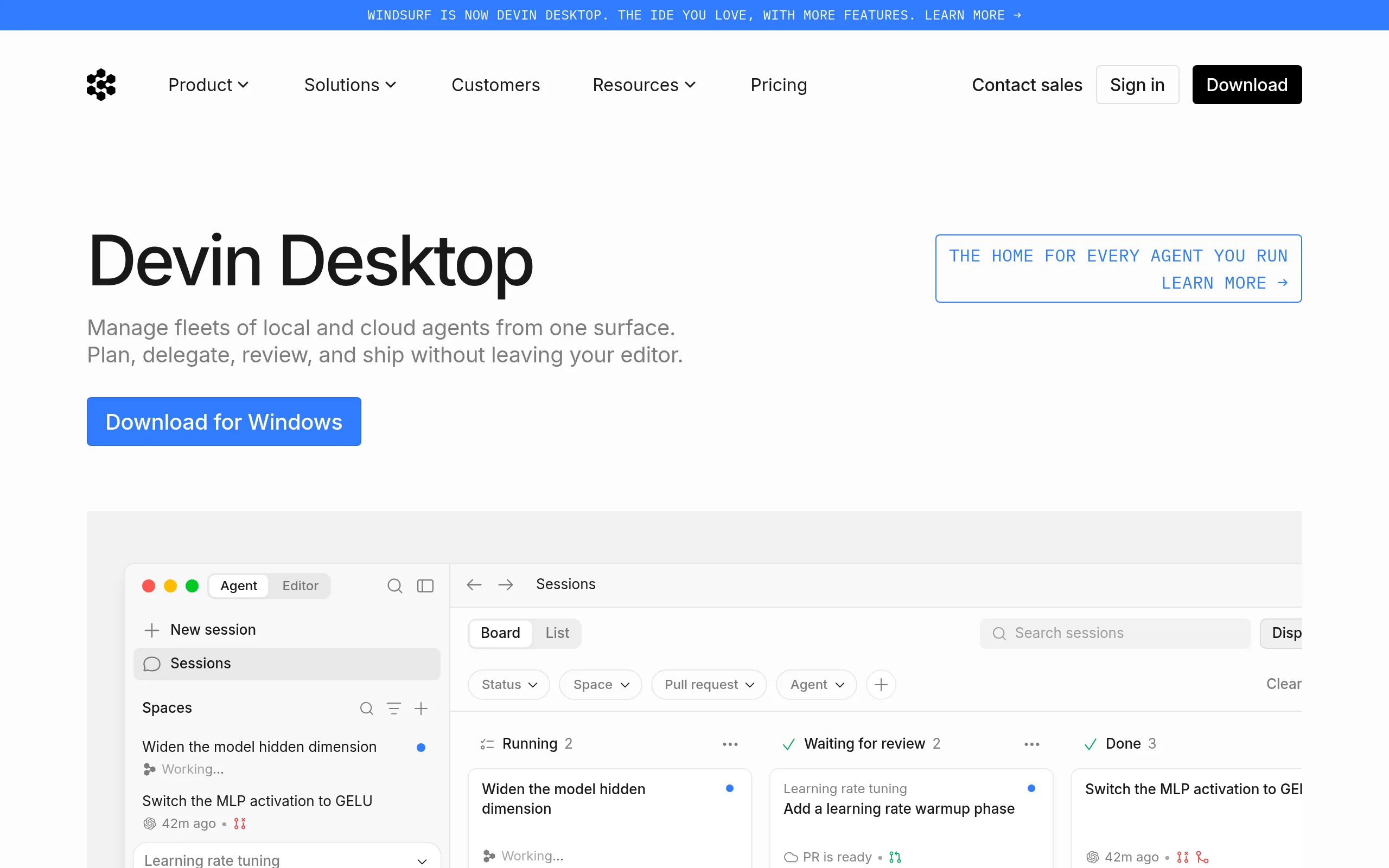
- Windsurf agent IDE with Cascade agent
Codeium is an AI assistant for developers that integrates into the familiar editor and offers autocompletion, refactoring, and semantic code search. The main difference from competitors: a full-featured free plan without a credit card and record-wide editor support - from VS Code to Emacs and Jupyter Notebook.
Key Features of Codeium
- Smart Autocompletion - context-aware single-line and multiline suggestions in 70+ languages: Python, TypeScript, Go, C++, Java, and others, taking into account the structure of the entire project.
- AI Chat within IDE - the built-in assistant explains algorithms, writes unit tests, generates documentation, and performs refactoring in natural language without context switching.
- Codeium Command (agent editing) - highlight a block, write "Refactor to async/await," and the service applies changes across multiple project files.
- Supercomplete - predicts not just one line but the next logical block: entire classes or helper functions based on the developer's intention.
- Semantic Search Across Codebase - a query like "find functions for parsing JSON" in natural language finds the needed code without knowing exact function names.
- Windsurf Editor with Cascade Agent - a full-fledged IDE based on VS Code launched in November 2024: multi-step tasks, terminal command execution, understanding of the entire project architecture.
- Self-hosted and Hybrid Deployment - for enterprise, fine-tuning the model on its own codebase, SSO/RBAC, and zero data storage are available.
Pros and Cons
- Free plan without a card
- 40+ IDEs - more than competitors
- Code not used for training models
- Self-hosted for corporations
- SWE-1.5 is 13× faster than Claude Sonnet 4.5
- 1st place LogRocket Rankings (Feb. 2026)
- Accuracy lower than Copilot on complex logic
- Frequent changes in terms and pricing
- Issues behind corporate proxies
- Support slowed after acquisition
Codeium / Windsurf Pricing
After rebranding in April 2025, the lineup is as follows: the free individual plan remains unchanged, and Pro dropped from $20 to $15/month in March 2026.
- Unlimited autocompletion
- AI chat within the editor
- Semantic code search
- 70+ languages and 40+ IDEs
- No credit card required
- All Individual features
- Up to 200 seats
- Admin dashboard
- Multi-repository indexing
- $15 for monthly billing
- SaaS and self-hosted deployment
- Fine-tuning on own codebase
- SSO/RBAC and compliance
- Priority support
- Team onboarding and training
Codeium vs Competitors: Key Differences
GitHub Copilot is deeper integrated with the GitHub ecosystem and works more accurately with complex business logic (90-95% vs. 85-90% for Codeium), but it costs from $10/month and sends code to Microsoft's servers - without a self-hosted option.
Cursor - a VS Code fork with aggressive agent integration and a broad community, but costs $20/month compared to $15/month for Windsurf and does not cover JetBrains IDEs. Tabnine is the only one with true offline/air-gapped support, critical for ultra-secure environments, but it does not offer a free plan.
Who is Codeium For?
- Individual developers and freelancers - free plan without a card lowers the entry barrier to zero.
- Students and novice programmers - support for 70+ languages and simple installation make the service an ideal educational tool.
- Corporate teams from regulated sectors - finance, defense, healthcare: self-hosted option without code transfer to the cloud.
- DevOps and data scientists - work in Jupyter Notebook, Databricks, Colab, where competitor AI assistants are virtually unavailable.
- Teams with a mixed IDE stack - a single assistant for VS Code, JetBrains, and Neovim without changing workflow.
How to Get Started with Codeium
-
1Register at codeium.com - create an account via GitHub, Google, or email. No credit card needed, even for full use.
-
2Install the extension for your editor - open the VS Code Marketplace or JetBrains Plugins, find "Codeium," and click Install. A separate plugin is available for Vim/Neovim.
- 3Sign in to the extension - log in through the browser; a token will be saved automatically. For corporate networks, configure proxy settings in the plugin settings.
-
4Activate repository indexing - open the project folder, let the platform index the codebase. Afterwards, suggestions will be more contextually accurate, and semantic search will function fully.
Frequently Asked Questions about Codeium
Is Codeium really free?
Yes - the individual plan includes unlimited autocompletion, AI chat, and semantic search without entering a card. There are no limits on the number of suggestions.
What is the difference between Codeium and Windsurf?
In April 2025, Codeium officially rebranded to Windsurf, focusing on an agent-based approach. Windsurf is the new name for the same platform plus a namesake agent IDE with Cascade.
Is it safe to use the service for corporate code?
By default, user code is not used for model training. The Enterprise plan supports self-hosted and hybrid deployments with zero data storage and end-to-end encryption.
Does the tool work in JetBrains IDEs?
Yes - IntelliJ IDEA, PyCharm, WebStorm, GoLand, Rider, DataGrip, and other JetBrains editors are supported. This is one of the main advantages over Cursor, which only works as a fork of VS Code.
Codeium (Windsurf) is one of the few AI code assistants where the free plan is truly functional, not cut down to demo mode. With an ARR of $82 million and over 4000 enterprise clients, the platform remains a serious choice - especially for teams that value code privacy or support for multiple IDEs simultaneously. Try it for free and see for yourself.