
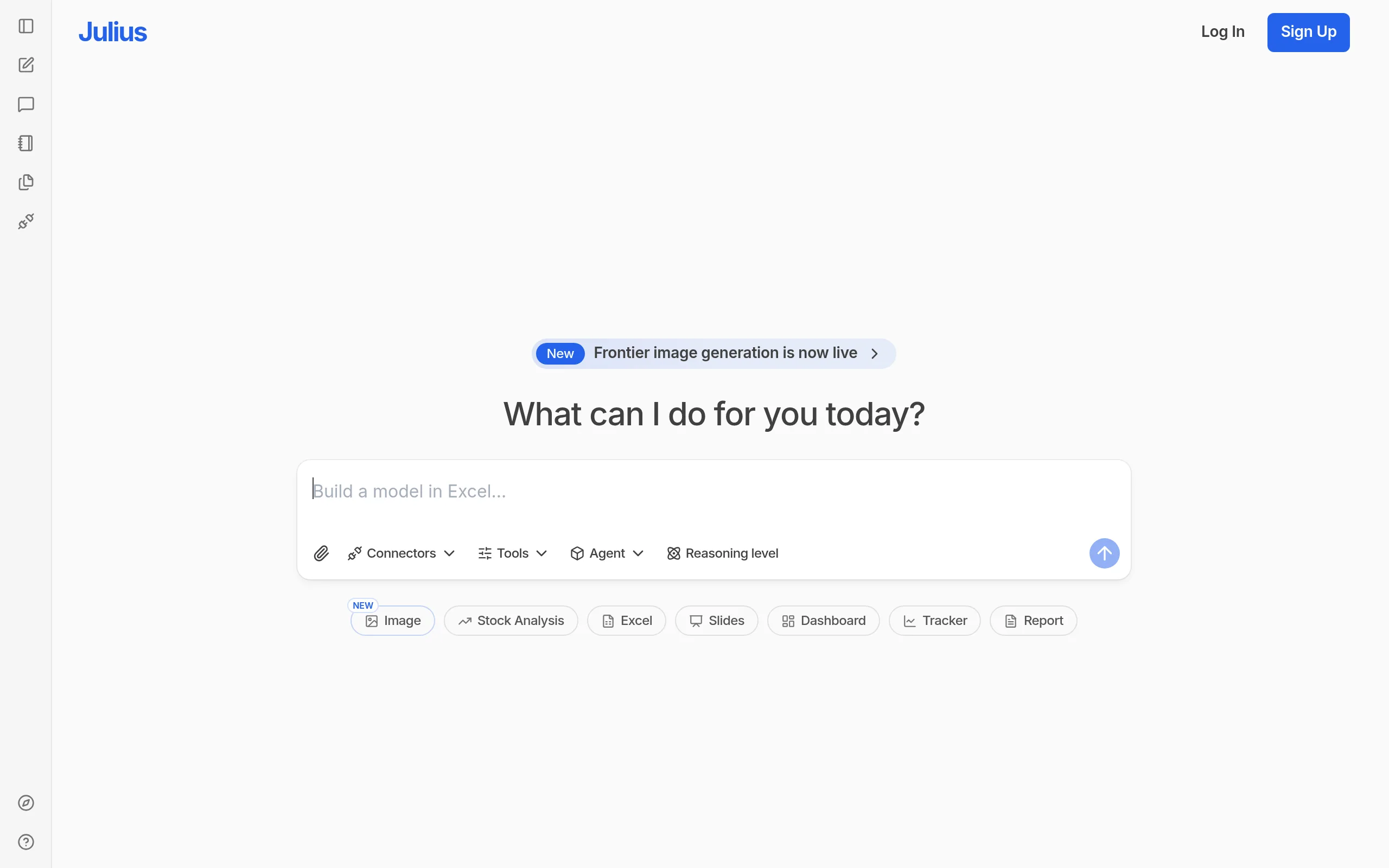
Julius AI
- Free: 15 messages/month; Pro - $45/month
- Formats: CSV, Excel, JSON, PDF, Parquet, SQLite, PNG/JPG
- Connectors: PostgreSQL, Snowflake, BigQuery, Google Ads, Stripe
- SOC 2 Type II - data not used for model training
- 50% discount for students and teachers
Ask a question - get analysis. No Python, no SQL.
What is Julius AI and Why is it Needed
Julius AI is a specialized AI data analyst from Caesar Labs (San Francisco, 2022) that translates natural language questions into ready-made charts, tables, and statistical insights. Unlike generic chatbots, the platform is exclusively created for data work: it saves datasets between sessions, writes Python or R code in the background, and returns results with explanations.
Key Features of Julius AI
- Code-Free Conversational Analysis - Upload CSV, Excel, JSON, PDF or connect Google Sheets and ask questions in Russian or English; Python/R runs in the background, and you only see the result.
- Automatic Visualization - The service automatically chooses the appropriate chart type (bar, heat maps, histograms, scatter) based on data structure; colors and style are customizable on request.
- Notebooks for Recurrent Reports - Save a multi-step analysis script once and run it with new data weekly; results are automatically delivered via email or Slack.
- Live Database Connectors - On Pro plans and higher, directly connect to PostgreSQL, Snowflake, BigQuery, Supabase, Google Ads, and Stripe without manual file export.
- Advanced Statistics via Dialogue - t-test, ANOVA, chi-squared, regression, prediction, and clustering are available through a simple text query.
- Learning Sub Agent - An adaptive agent learns the structure of the connected database, memorizes relationships between tables, and improves answer accuracy with each query without manual setup.
- Search Financial Data Across 17,000+ Companies - Reports, price history, and KPIs are loaded directly into the platform without external sources.
Formats and Integrations
Among the broadest set of supported formats among peers - from standard tables to data images and Jupyter notebooks.
Advantages and Disadvantages
- Specialization: more accurate than ChatGPT for tabular tasks
- Auto-cleaning of "dirty" data
- Transparency: view Python/R code for each step
- Notebooks - automatic weekly reports
- SOC 2 Type II, data not used for training
- 50% discount for students and teachers
- Free plan - 15 messages/month (very few)
- Sharp jump from $45 to $375/month - no mid-option
- Optimal up to ~100,000 rows; large tables are not the best choice
- Interface only in English
Julius AI Pricing and Plans
The platform offers 5 plans - from free to Enterprise. 15% discount on annual payment, 50% student and teacher discount on any plan.
- 15 messages per month
- CSV, Excel, PDF, Google Sheets
- Basic visualizations
- 2 GB RAM
- Files stored for 1 hour
- 250 messages per month
- GPT-4o and Claude 3.5 Sonnet
- Notebooks
- Google Drive
- 16 GB RAM, files 7 days
- Unlimited messages
- PostgreSQL, Snowflake, BigQuery, Stripe, Google Ads
- 32 GB RAM
- Extended context window
- Priority support
- 3 editor seats included
- Slack agent in public channels
- API access
- SOC 2 Type II
- 3 scheduled report launches
- Notion and GitHub as Knowledge Base
- SSO/SAML, dedicated VPC
- Unlimited agents and dashboards
- Slack agent in private channels
- Direct access to CEO of Julius AI
Comparison of Julius AI with Competitors
ChatGPT Advanced Data Analysis - A universal tool that writes texts well, but does not save datasets between sessions and does not support live database connectors. Julius is specialized: Notebooks, 20+ integrations, and broad format support make it more accurate for tabular tasks.
Tableau and Power BI - Corporate BI platforms with deep customization but requiring months of training and a budget of several thousand dollars a year. The analytical-dialogue Julius is available to non-technical users from day one and costs from $45/month.
BlazeSQL specializes in SQL queries to relational databases and suits teams with SQL infrastructure but does not support Python/R analytics and a wide range of file formats. ThoughtSpot - An enterprise solution starting at $400/month for 3 seats with mandatory semantic layer setup; Julius requires no data model and is available from zero.
Use Case Scenarios
Who is Julius AI For
- Marketers and Operations Managers - Need quick answers from data without waiting for the data team.
- Startups and Small Businesses - Professional analyst level at a budget from $45/month.
- Students and Researchers - 50% discount and use in Harvard Business School courses.
- Financial Teams - Cohort NRR analysis, revenue forecasting, auto-reports in Slack.
- Developers and Data Engineers - Accelerate exploratory analysis without boilerplate code.
How to Get Started with Julius AI
-
1Sign Up - Go to julius.ai, create an account via Google or email. The free plan activates immediately without a card.
-
2Upload Data - Attach a CSV, Excel, or PDF, or connect Google Sheets via the built-in connector. On the Pro plan, add a connection string for PostgreSQL or Snowflake.
-
3Ask a Question - Write a request in Russian or English: "show top 10 products by revenue" or "is there a correlation between discount and repeat purchases". The platform returns the result with an explanation and chart.
-
4Save the Scenario as a Notebook - If the analysis repeats weekly, save it, set up a schedule, and specify the Slack channel for auto-delivery of reports.
Frequently Asked Questions
How is Julius AI different from ChatGPT for data analysis?
ChatGPT does not save datasets between sessions and does not support live database connectors. Julius is specialized exclusively in data: it saves files, supports Notebooks for auto-reports, and connects directly to PostgreSQL, Snowflake, BigQuery.
Is it safe to upload corporate data?
The service is SOC 2 Type II and GDPR compliant; uploaded data is not used for AI model training and is stored in isolated containers. On the Enterprise plan, a dedicated VPC deployment is available.
Does Julius AI handle large datasets?
The platform is optimal for datasets up to 100,000 rows; for multi-million row tables, it is recommended to use specialized data warehouses (Snowflake, BigQuery) as a source, connecting them via the built-in connector.
Can Julius AI be used in Russian?
The platform interface is fully in English, but questions can be asked in Russian and answered in Russian - the service correctly processes Cyrillic queries.
Conclusion
Julius AI bridges the real gap between "I know what I want to learn from data" and "I can't write code": specialization in analytics, genuine transparency through code viewing, report automation via Notebooks, and serious security infrastructure make it one of the most mature solutions in the category. Try the free plan - 15 messages are enough to appreciate the approach, and Pro with a 14-day money-back guarantee mitigates the risk of switching to a paid plan.