
Chat2DB
- Free Community plan + 30 days Pro without card
- Web, Windows, macOS, Linux
- 30+ supported databases
- 10+ LLM models to choose from
- Open Source, Apache 2.0 license
Most popular Text-to-SQL on GitHub
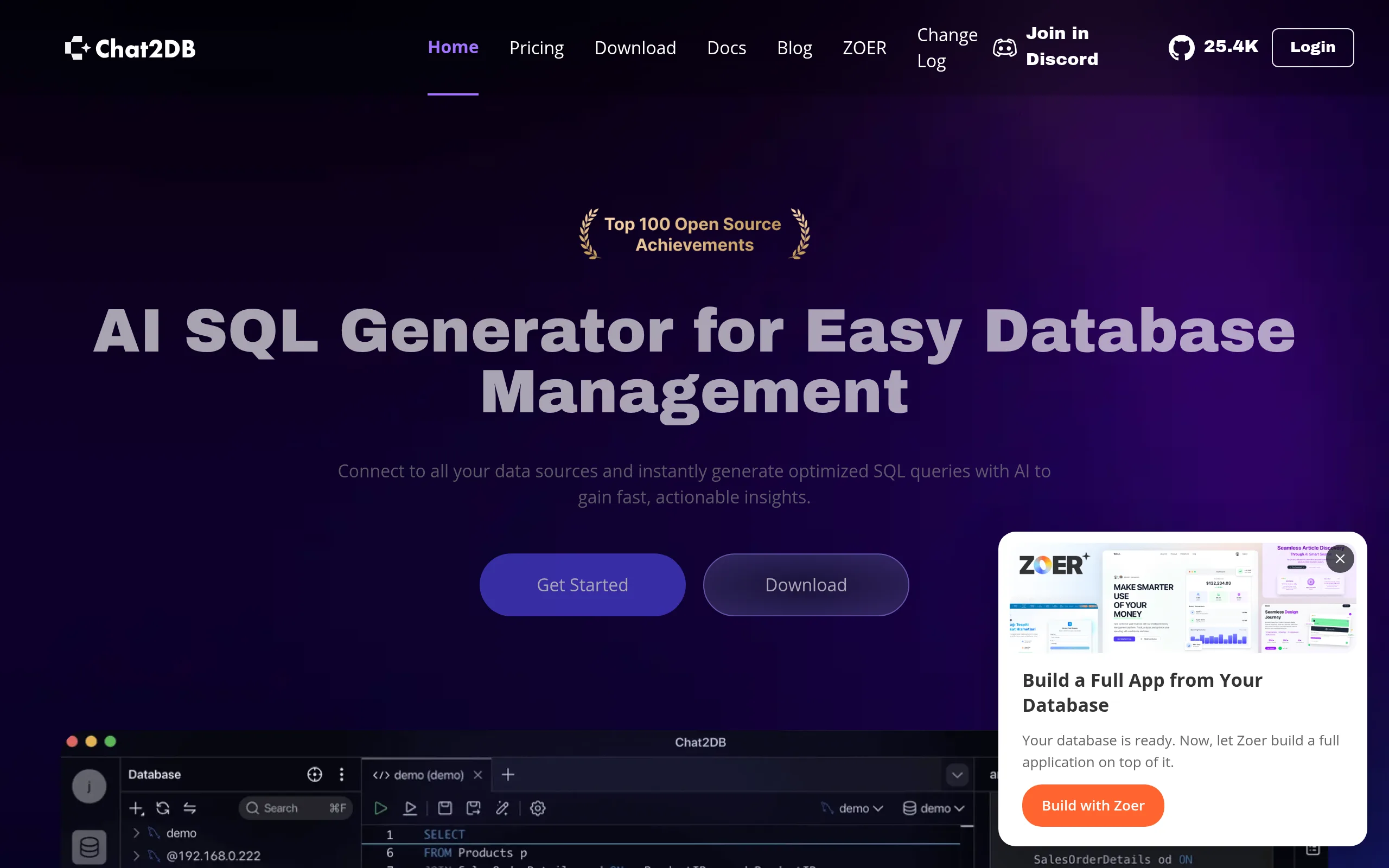
Chat2DB is an AI platform for database management that transforms natural language into SQL queries. The tool bridges the gap between technical and non-technical teams: a manager describes the task in words, Chat2DB generates the query and returns the data.
Key Features of Chat2DB
- Text-to-SQL - enter a query in Russian or English, the platform generates optimized SQL and immediately executes it.
- AI SQL Copilot - a context-aware chatbot integrated directly into the editor; supports 10+ LLMs, fixes errors with one click.
- Visual Data Management - view, filter, and edit tables through GUI without a single line of SQL.
- ER Diagrams and Schema Migration - automatically builds entity diagrams and synchronizes structure across different DBMSs.
- AI Analysis and BI Dashboards - ask data questions, get automatic diagrams with Chain-of-Thought support for complex analysis.
- AI Datasets - customize business terms in column comments so AI generates more accurate queries for your schema.
- Team Security - collaborative editing, operation audit, SSH tunneling, AES/RSA encryption, two-factor authentication.
Advantages and Disadvantages of Chat2DB
- 30+ databases in one client
- Open Source, Apache 2.0
- Data does not go to the cloud
- 10+ LLM options
- 30 days Pro without card
- Powerful enterprise features
- Community requires manual API key setup
- Complex interface for beginners
- Pro pricing only upon request
- No mobile app
Chat2DB Pricing Plans
- Visual table editor
- SQL console and formatting
- Query saving
- Basic relational databases
- AI requires its own API keys
- All Community features
- Offline usage
- Desktop installation
- Perpetual license
- 30-day trial without card
- AI ready "out of the box"
- UML diagrams and code generation
- Chat2Excel, AI Datasets
- 50% student discount
- SSO, private deployment
- Unlimited users
- Fine-tuning model
- Dedicated manager and SLA
Chat2DB vs Competitors: What Makes It Different
DBeaver is the closest in terms of coverage as an open-source competitor but lacks built-in AI. Chat2DB is advantageous for non-technical users and teams needing Text-to-SQL "out of the box" rather than as a plugin.
DataGrip from JetBrains offers smart autocompletion for professionals but requires a paid subscription and technical knowledge - Chat2DB is cheaper to start with and more accessible to analysts without an SQL background.
Outerbase also positions itself as an AI-first tool, but Chat2DB surpasses it in the number of supported DBMSs, self-hosted deployment options, and code transparency (Apache 2.0 vs proprietary).
Use Cases for Chat2DB
Who Chat2DB is for
- Developers and DBAs - speed up query writing, automate debugging, and manage multiple DBMSs from one window.
- Business Analysts - gain insights from corporate databases without deep SQL knowledge through Text-to-SQL.
- DevOps Teams in Corporations - control access, audit operations, and deploy the platform in private infrastructure.
- Startups and SMBs - provide non-technical employees direct access to data without involving developers for every request.
- Data Scientists - explore data structure via ER diagrams and automatically build ad-hoc BI dashboards.
How to Get Started with Chat2DB
-
1Register - go to chat2db.ai, create an account through email, GitHub, or Google OAuth in under a minute.
-
2Activate 30-day Pro Trial - gain full access to all AI features, including Text-to-SQL "out of the box," without entering payment details.
-
3Connect a Database - select a DBMS type (MySQL, PostgreSQL, MongoDB, etc.), enter connection parameters or use SSH tunnel for a secure connection.
-
4Set up AI Datasets - add business terms to table columns so AI generates accurate queries tailored to your database structure.
-
5Ask Your First Natural Language Question - input it in the Text-to-SQL field, review the generated query, and run it with one click.
Frequently Asked Questions about Chat2DB
Is it safe to use Chat2DB with confidential data?
Queries are processed locally-database data is not sent to the LLM. The platform supports AES/RSA encryption, SSH tunneling, and a least privilege principle, while the Enterprise plan provides for a fully private deployment.
Can Chat2DB be deployed locally (self-hosted)?
Yes-Chat2DB is open under the Apache 2.0 license, code is available on GitHub. Local and Enterprise plans support installation on your infrastructure with model fine-tuning capabilities.
How to connect your LLM model to Chat2DB?
In AI Copilot settings, specify the API key of the required provider (OpenAI, Google Gemini, etc.) or connect a local LLM-the platform supports over 10 models.
Why is Chat2DB better than DBeaver for a team?
DBeaver is a powerful universal client without built-in AI. Chat2DB adds Text-to-SQL, AI dashboards, collaborative editing with audits, and change approval workflows that DBeaver lacks.
Chat2DB is a practical choice for teams needing a unified AI tool to work with multiple DBMSs simultaneously. Start with a free 30-day Pro trial and see how much Text-to-SQL accelerates daily data operations.