
Website Creation Prompts: Ready-Made Templates for AI
Ready-made prompts for creating a website using AI. Suitable for beginners - just fill in the placeholders and get the structure, texts, and code for your site.
Ready prompt
Role: You are an experienced web developer and copywriter.

Task: Help create a website for [type of business or project]. Complete the following steps:

1. Propose the website structure: list all pages and sections.
2. Write text for the homepage: title, subtitle, service description, call to action.
3. Compose meta-tags: title and description for the homepage.
4. Write the "About Us" section in a [tone of communication] style.

Target audience: [target audience description]
Main service or product: [service or product]

Response format:
- Website structure - numbered list
- Texts - by sections with headings
- Meta-tags - in a separate block

Constraints: texts should be brief and clear, without professional jargon.
Fill in variables 4
Enter your values - the prompt will update automatically.
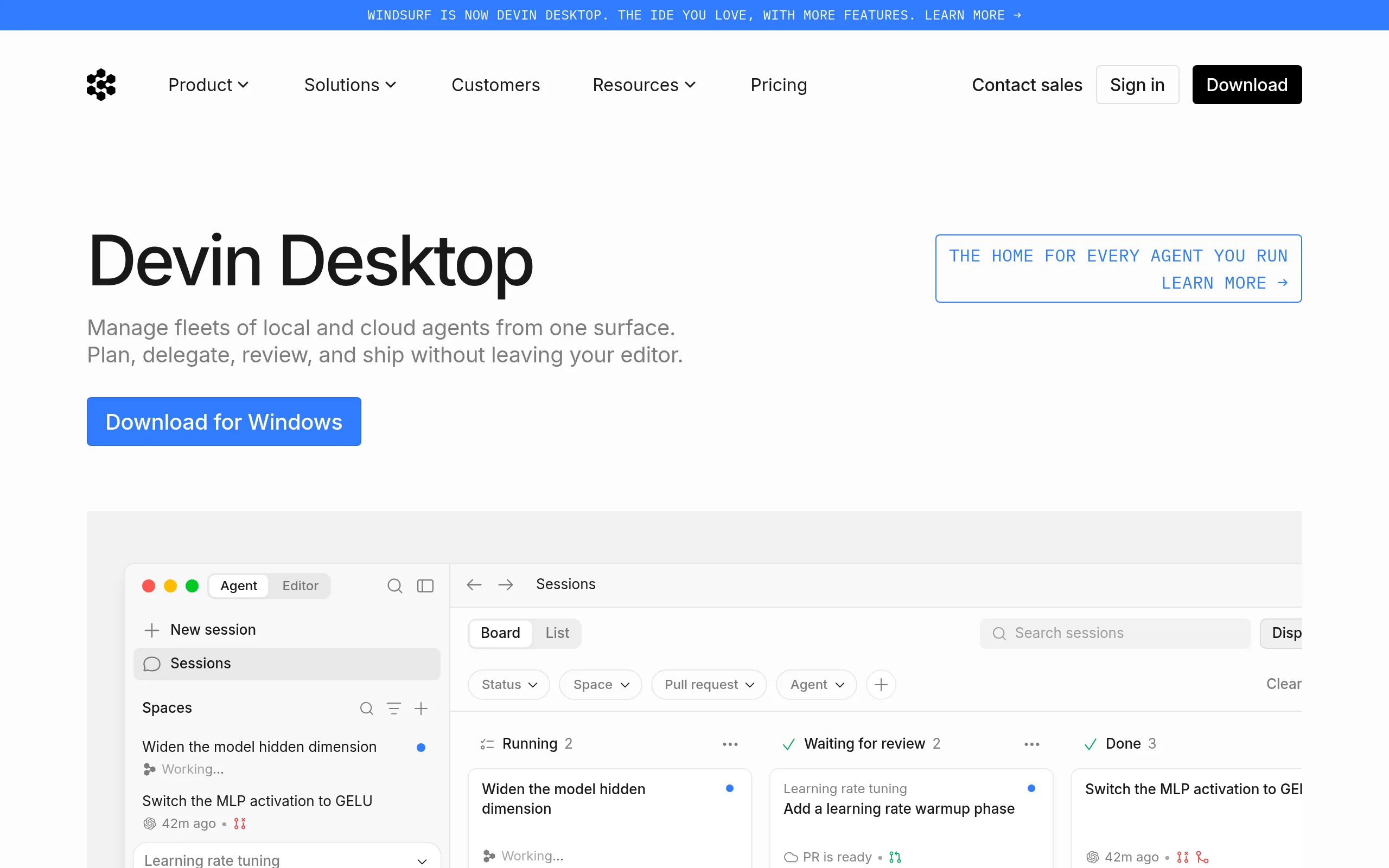
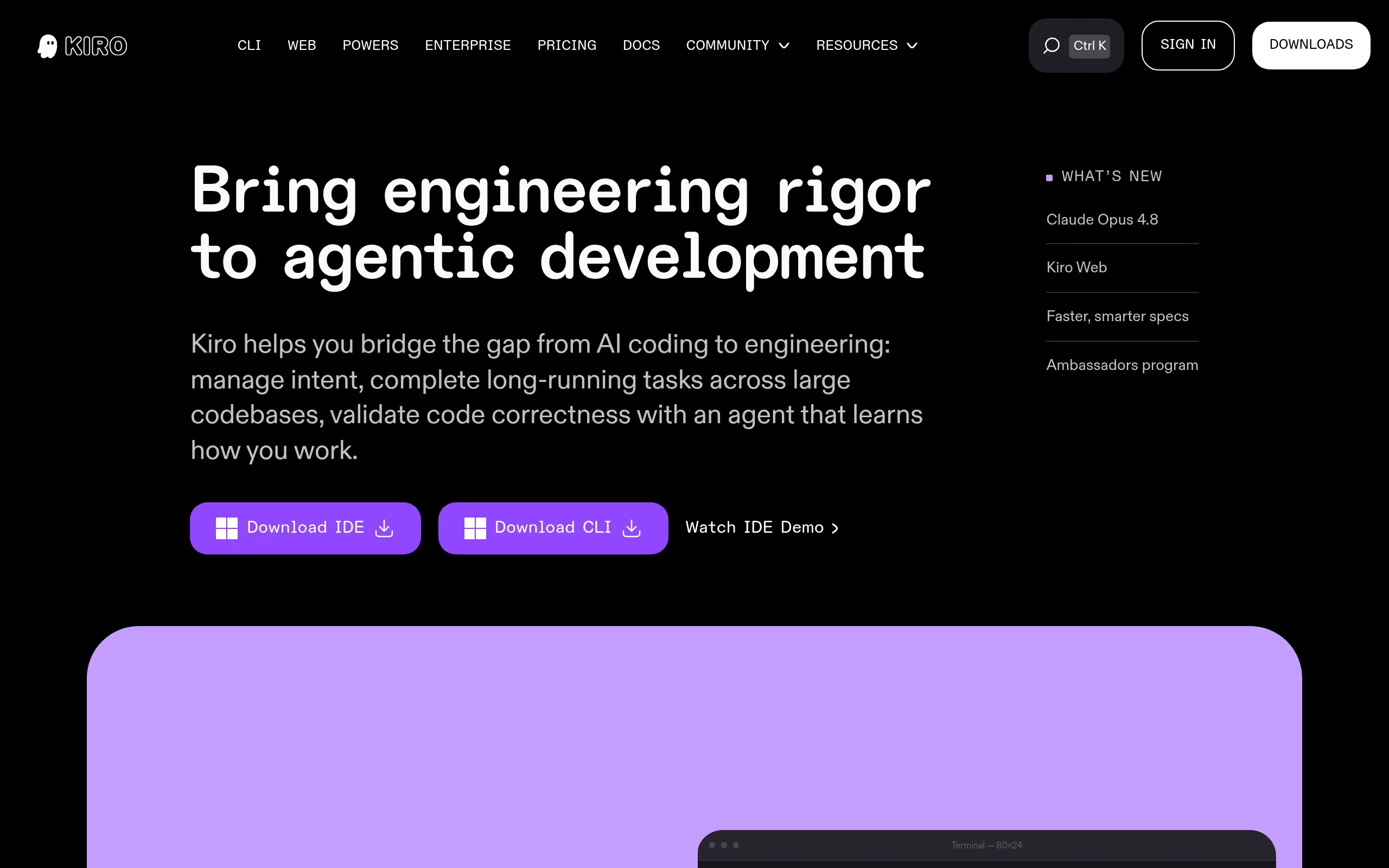
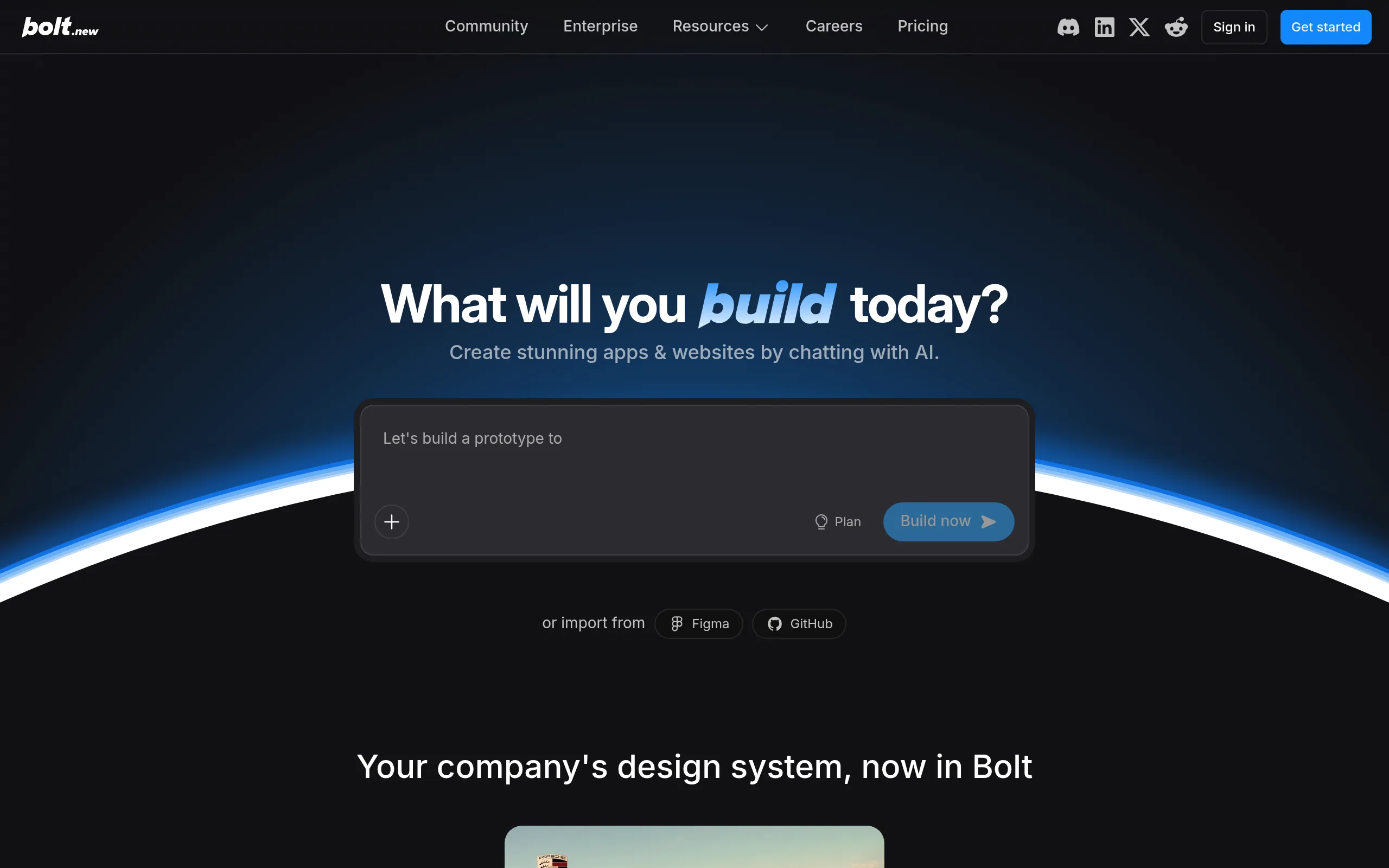
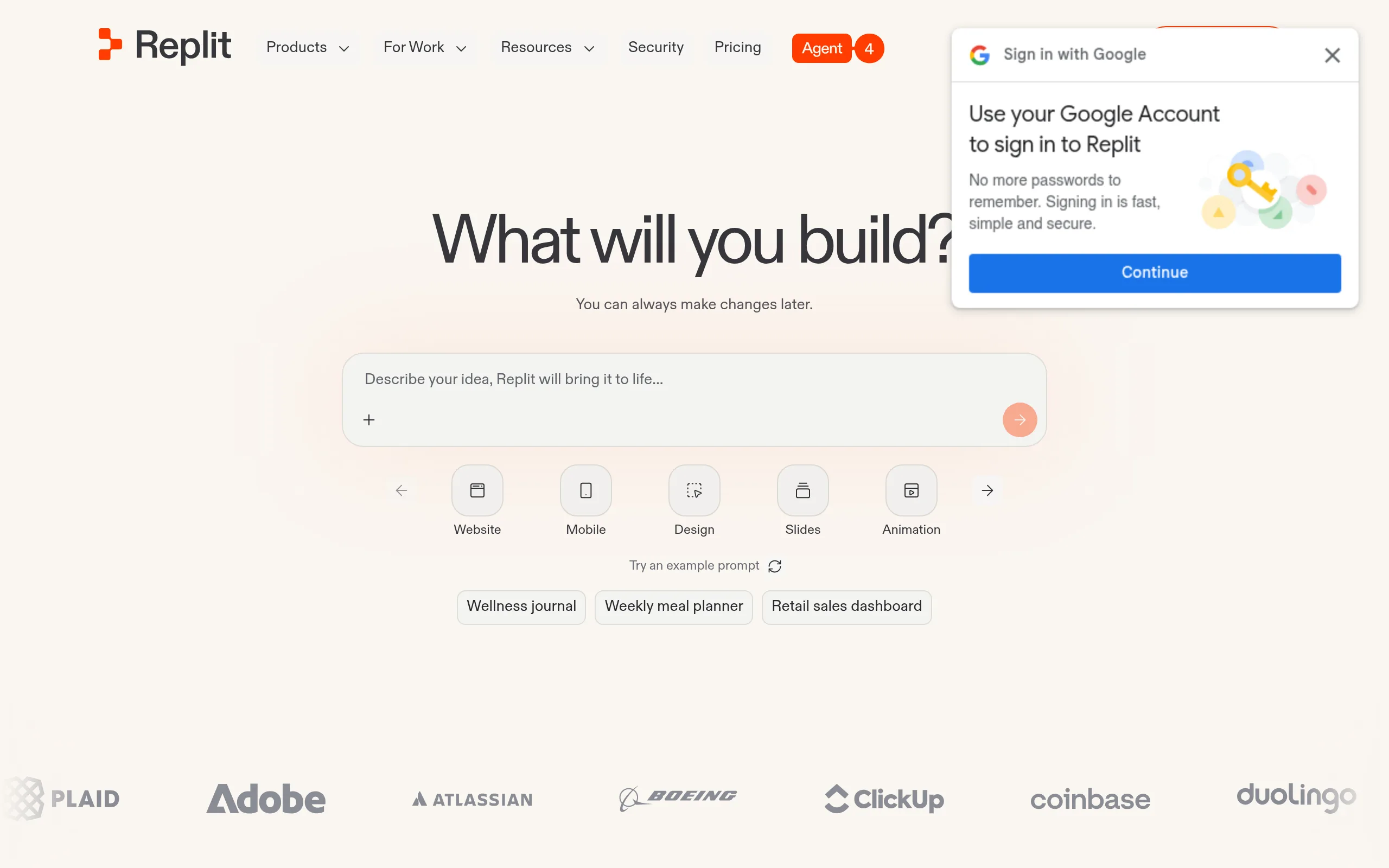
Suitable AI tools
These neural networks handle the task best. Open the overview to learn about capabilities and pricing.

How to use
- Copy the prompt and paste it into ChatGPT, Claude, or any other AI chat.
- Fill in the placeholders in square brackets: specify the type of business, tone of communication, target audience, and main product.
- Send the prompt and receive the website structure, page texts, and meta-tags.
- If any section is not satisfactory - ask the AI to rewrite it, specifying your wishes.
- Use the ready-made texts as a basis: integrate them into a website builder (Tilda, Wix, WordPress) or pass them to the developer.
Example result
Website Structure for "Morning" Coffee Shop:
1. Homepage - greeting, interior photos, promotions
2. Menu - drinks, desserts, breakfasts
3. About Us - coffee shop history, team
4. Contacts - address, map, working hours
Homepage Text:
Title: "Start Your Morning Right - with Real Coffee"
Subtitle: "Cozy coffee shop in the city center. Signature drinks, fresh pastries, and an atmosphere you'll want to linger in."
Call to action: "View menu"
Meta-tags:
Title: "Morning" Coffee Shop - signature coffee and breakfasts in the city center
Description: Cozy coffee shop with signature drinks and fresh pastries. Open daily from 8:00 to 22:00. Come - we’ll be glad to see you!
Tips and variations
- Iterate for precision: after the first response, ask the AI to "make the headline more emotional" or "add a FAQ section" to refine the result.
- Ask for options: include the phrase "suggest 3 headline options" in the prompt - this provides choice and inspiration.
- Generate HTML code: once the texts are ready, ask the AI to "format this as an HTML page" - you'll get ready-to-insert website markup.
- Adapt to the niche: the more accurately the target audience and product are described, the more relevant the texts for website creation will be.
Alternative tools: ChatGPT, Claude, Gemini, GigaChat - all support similar prompts for generating website texts and structure.