
Photo Enhancement Prompt: Template for Shedevrum and Other AI
Ready-to-use prompt for photo enhancement in neural networks. Suitable for Shedevrum and other AI tools. Enhance quality, sharpness, and atmosphere of images in seconds.
Ready prompt
Enhance and remaster the photo: [photo description]

Style: [desired style]
Improvement goals:
- Increase sharpness and fine details
- Improve lighting; balanced highlights and shadows
- Boost color vibrancy; natural skin tones
- Remove noise and artifacts
- Upscale to high resolution

Mood: [mood]
Aspect ratio: [aspect ratio]

Quality tags: ultra-detailed, 8K, photorealistic, professional retouching, award-winning photography
Fill in variables 4
Enter your values - the prompt will update automatically.
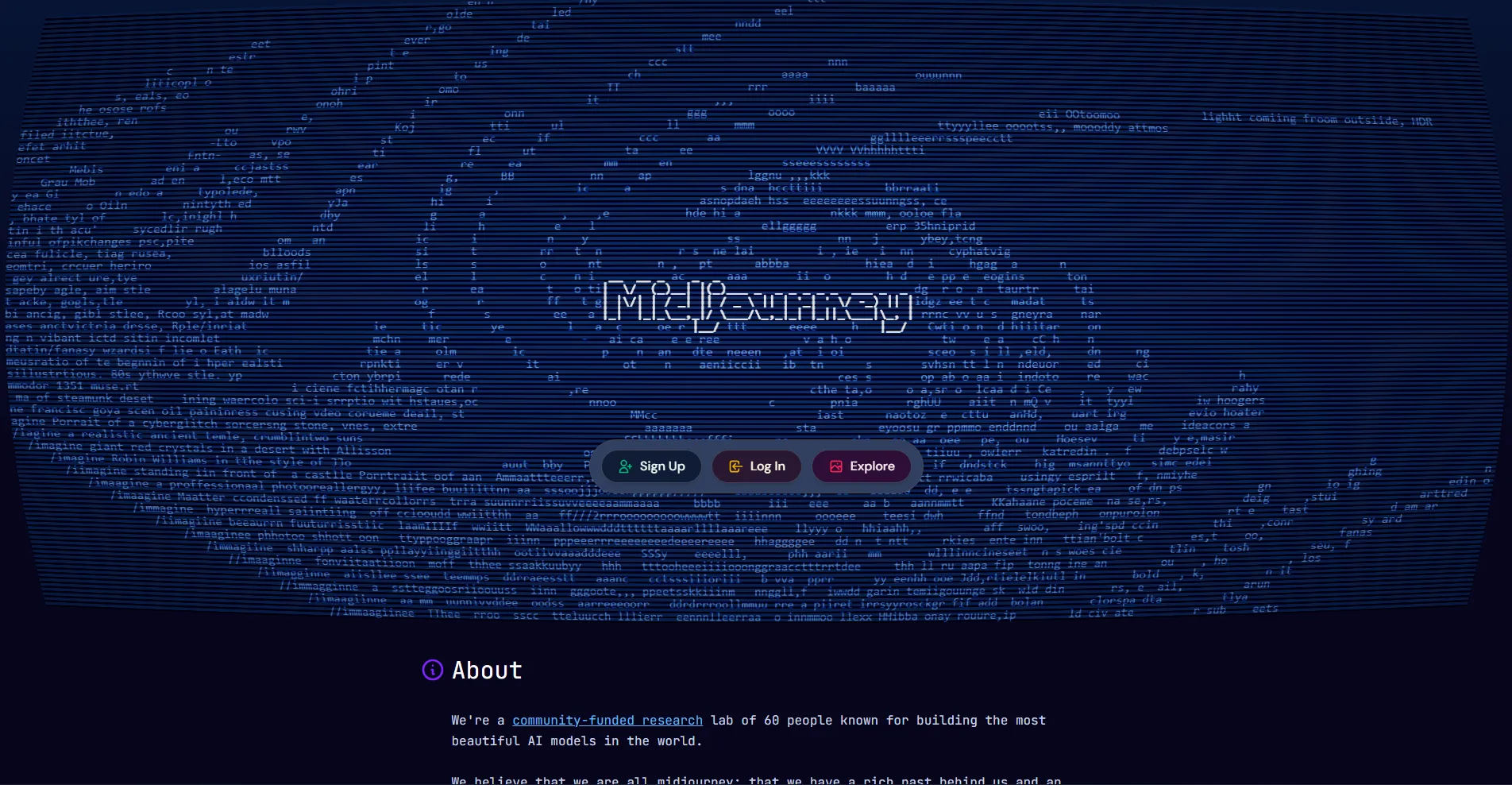
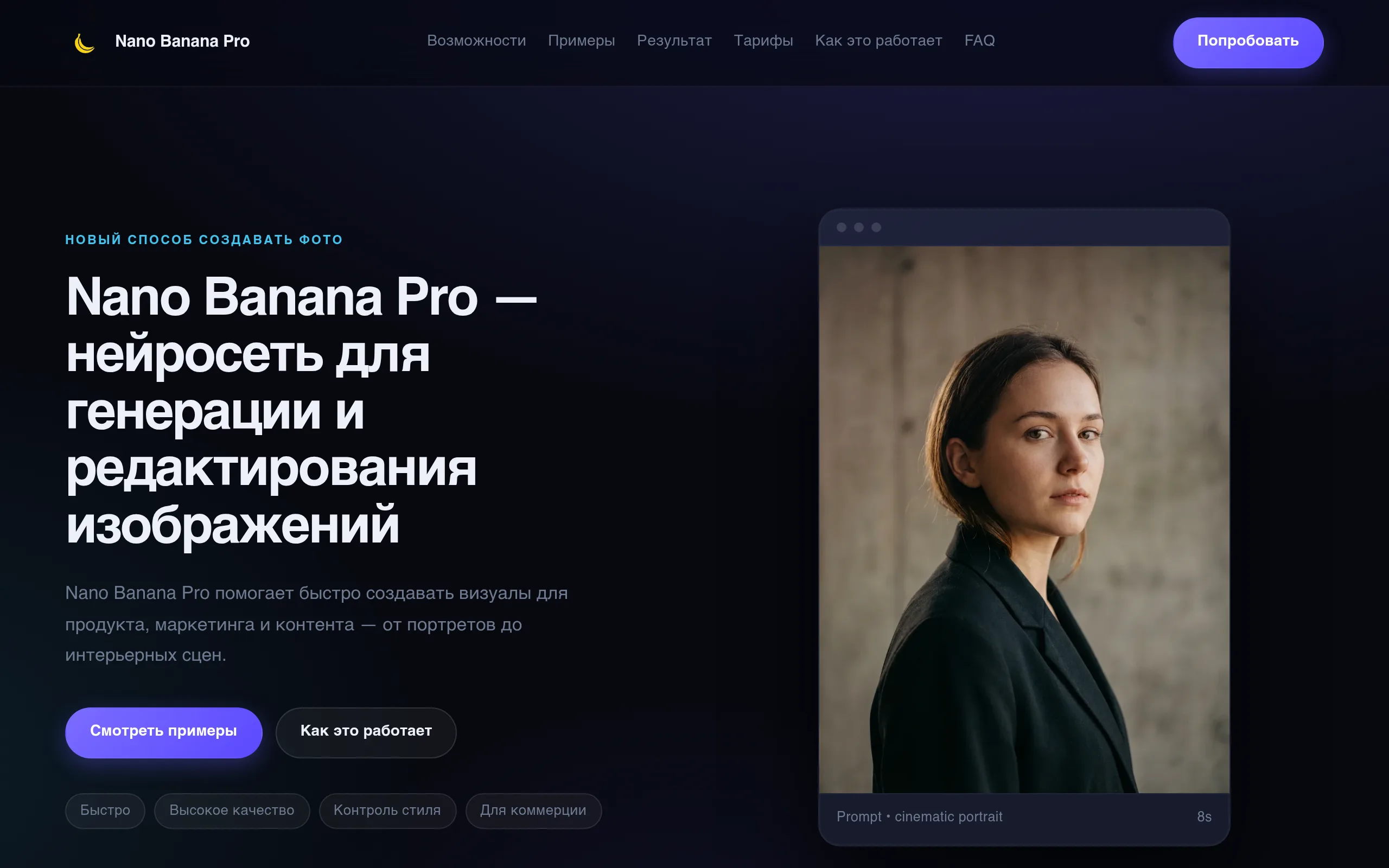
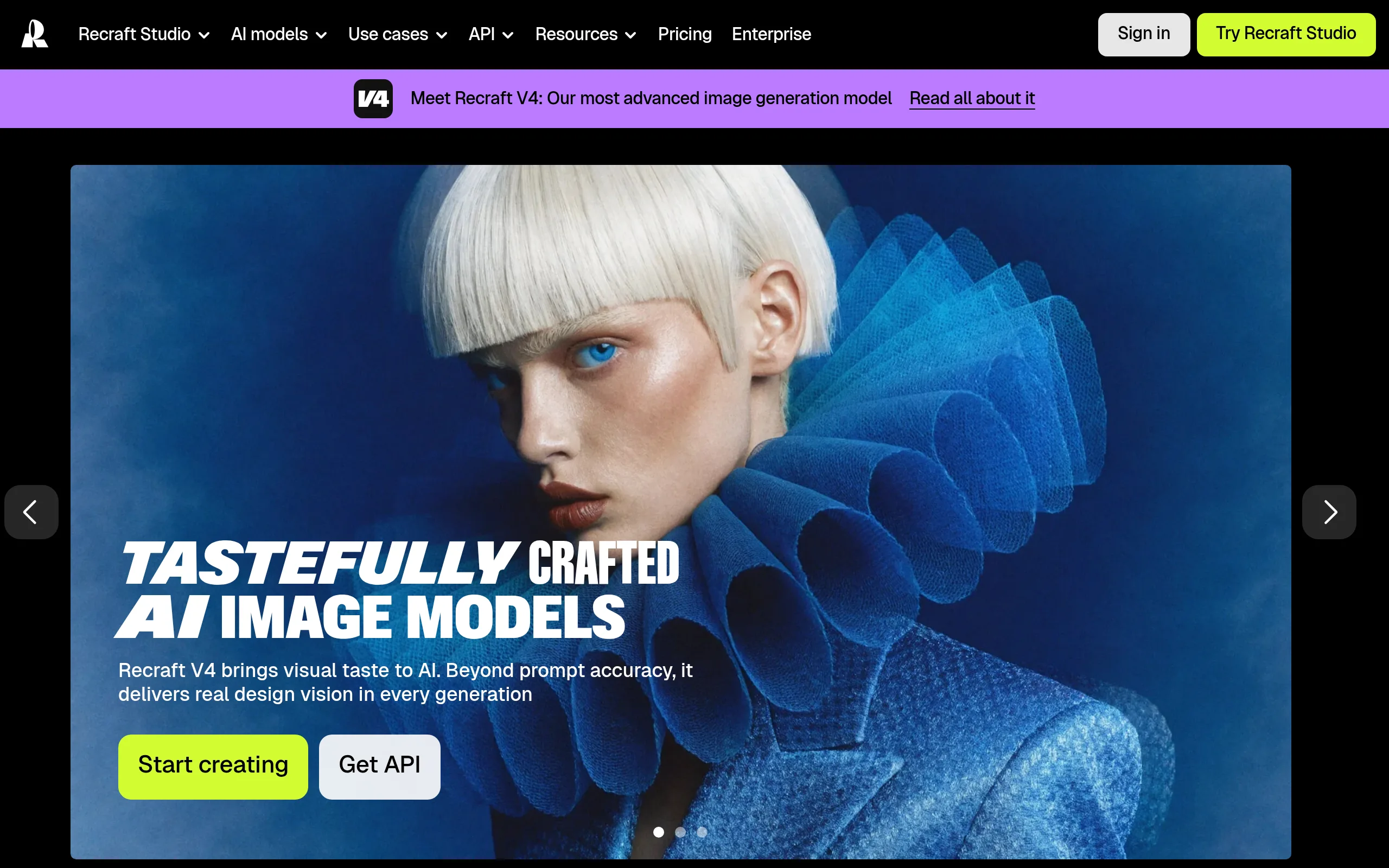
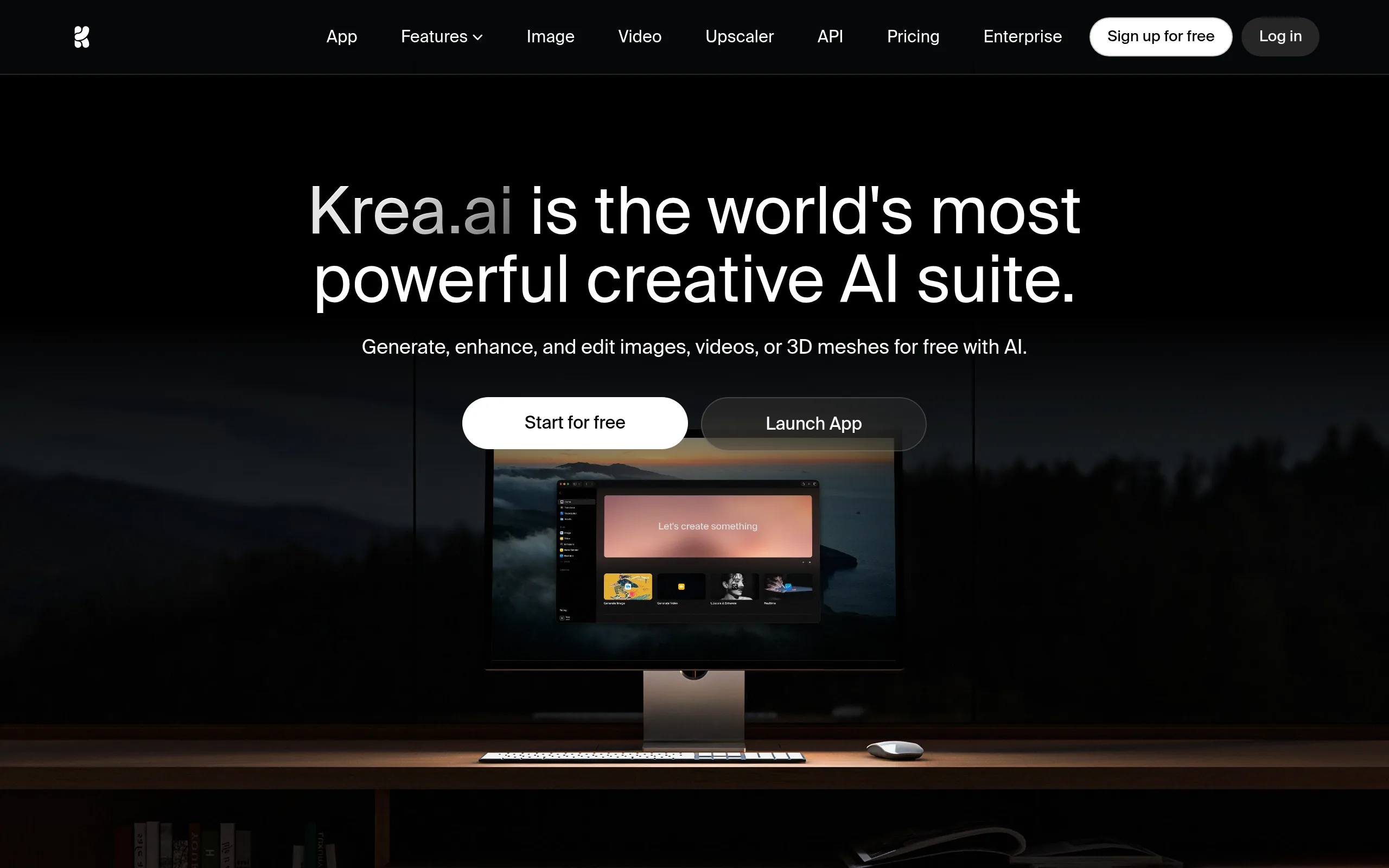
Suitable AI tools
These neural networks handle the task best. Open the overview to learn about capabilities and pricing.
How to use
- Copy the prompt and paste it into Shedevrum, Midjourney, DALL-E, or another neural network that supports image enhancement.
- Fill in the placeholders: describe the photo content, choose a style, specify mood and aspect ratio.
- Upload the original photo into the tool (if it supports img2img) or use only the text description to generate an enhanced version.
- Start the generation and evaluate the result. If the quality is insufficient, refine details in the "photo description" field or change the style.
- Save the result in maximum resolution and, if necessary, repeat with different mood or style parameters.
Example result
- Style
- Cinematic, magazine retouch
- Composition
- Close-up portrait, soft bokeh background
- Color palette
- Warm golden-orange tones, deep shadows
- Neural network
- Shedevrum, Midjourney v6, DALL-E 3
Using this prompt, the neural network creates an enhanced version of the photo with increased detail sharpness, balanced lighting, and professional color correction. Noise and artifacts are removed, making the final image look like a professional photographer's shot.
Tips and variations
- Specify photo details: the more accurate the description in the "photo description" field, the better the neural network understands what to enhance. Indicate lighting, time of day, main subject.
- Experiment with styles: try "cinematic", "film grain", "HDR", or "soft pastel" - each gives a different processing character.
- Add a negative prompt: append "Negative: blur, overexposed, low quality, watermark" at the end - this will remove unwanted artifacts.
- Change the mood: the word "moody" gives a dramatic effect, "airy" - light and bright, "neon" - vibrant urban style.
Alternative neural networks: Shedevrum (mobile app, convenient for quick processing), Magnific AI (specializes in upscaling), Adobe Firefly (integrated into Photoshop), Stable Diffusion with img2img pipeline.