
Krea AI
- Free - $0, Pro - $35/month, Max - $99/month
- Platform: Web (no mobile app)
- Real-time generation in less than 1 second
- 5+ AI models: Flux Pro, Flux Dev, SDXL, and others
- Personal style training available on Pro
Create without the wait - results right now
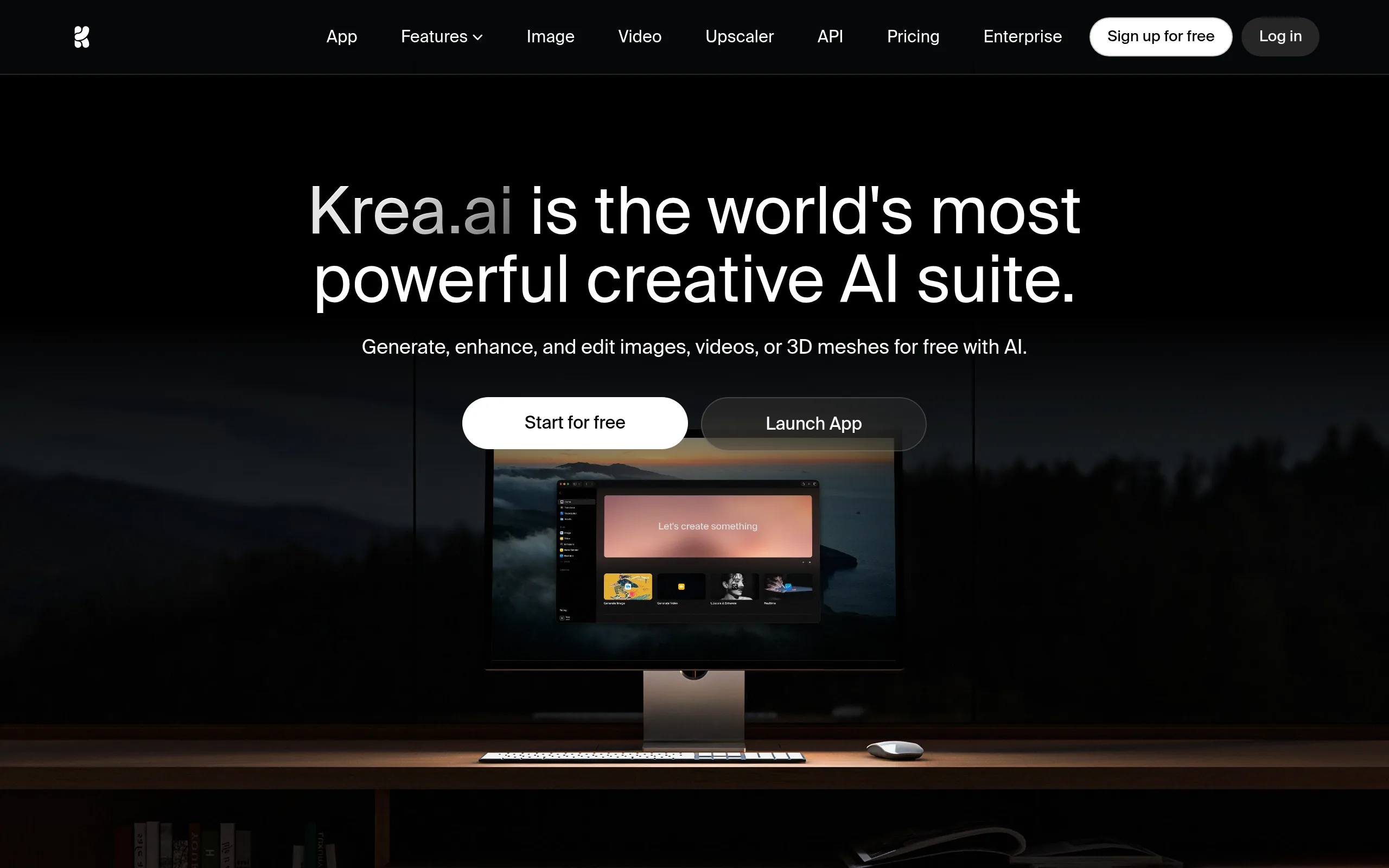
Krea AI is a web platform for image generation and editing, developed by Krea Technologies in 2022. Its main difference from competitors is the Real-time mode: the canvas updates directly during prompt entry, without waiting for generation completion.
Key Features of Krea AI
- Real-time AI Canvas - The canvas updates instantly with every prompt or drawing change, providing live creative feedback without a generation queue.
- Inpainting and Outpainting - Selecting areas for replacement (Erase & Replace) and expanding images beyond their boundaries with AI content.
- AI Upscaling - Increasing image resolution several times while preserving the details and style of the original, including photos, illustrations, and art.
- AI Video - Transforming images into short animated clips with settings for direction and intensity of object movements.
- AI Training (personal styles) - Training your model on your images to generate new content in a unique artistic style.
- Product Photography - Special tools for placing products on professional background scenes with shadows and reflections without a real photoshoot.
- Consistency Tool - Generating characters and objects in a consistent style across different images, critically important for comics and brand design.
Advantages and Disadvantages of Krea AI
- Real-time generation - unique advantage
- All tools on one platform
- AI Training available on Pro ($35/month)
- Commercial use on Pro
- Regular updates with new models
- Intuitive UX without technical knowledge
- Pro $35/month - more expensive than some competitors
- Video generation weaker than Runway and Kling AI
- No mobile app
- Weak team tools
Pricing and Plans of Krea AI
- Limited daily generations
- Basic Real-time Canvas
- Access to AI Canvas
- Watermarks on some exports
- ~5,000 credits per month
- Generation without watermarks
- High-resolution images
- AI Video generation
- Training personal models
- Priority generation queue
- ~20,000 credits per month
- All Pro features
- Maximum generation speed
- Advanced AI Training
- Team access
Krea AI vs Competitors: What's the Difference
Compared to Midjourney, Krea AI wins in interactivity: Midjourney works through Discord without Canvas or Real-time mode, whereas Krea provides instant visual feedback during prompt input.
Adobe Firefly is optimal for Adobe ecosystem users (Photoshop, Illustrator), but Krea offers more advanced standalone AI generation and personal model training without being linked to a Creative Cloud subscription.
Leonardo AI is geared towards game developers with deep model customization, while Playground AI is the closest competitor in the Canvas interface concept. Krea surpasses both in Real-time generation speed and convenience for a broad range of creative tasks.
Krea AI Use Cases
Who is Krea AI For
- Digital Artists and Illustrators - Quick concepts, references, and final art with personal styles.
- Designers and Art Directors - Brand visuals and product photography with AI Training and Product Backgrounds.
- Content Creators and SMM Specialists - A constant stream of unique visuals for social media without photographers.
- E-commerce Entrepreneurs - Professional product photos and advertising banners without costly photoshoots.
How to Get Started with Krea AI
-
1Register on krea.ai - Create an account via Google or email, and the free plan activates automatically.
-
2Open AI Canvas - Select the Real-time mode and start entering prompts; the canvas will update in real-time as you type.
-
3Select AI Model - Switch between Flux Pro, Flux Dev, Stable Diffusion XL, or other models depending on the task (photo, art, illustration).
-
4Upgrade to Pro for Full Access - Unlock AI Training, video generation, and watermark-free generation for $35/month (or ~$28/month with annual payment).
Frequently Asked Questions about Krea AI
Is Krea AI Free?
Yes, Krea AI offers a free plan with no time limitation, providing access to the basic Real-time Canvas and AI Canvas. The free plan includes daily generation limits and watermarks on some exports.
How does Real-time Generation work in Krea AI?
The Real-time mode updates the image on the canvas in less than 1 second with every prompt or drawing change-without separate generation launches. This greatly accelerates the creative search and iteration process.
How is Krea AI better than Midjourney?
Krea AI offers an interactive Canvas with Real-time generation, inpainting, outpainting, and personal model training-all of which are not available in Midjourney, which operates via a Discord interface without a canvas.
Does Krea AI have an API for developers?
Yes, Krea AI provides an API for developers, allowing the integration of image generation capabilities into your applications and pipelines.
Krea AI occupies a niche between professional tools like Midjourney and Adobe Firefly, offering a unique Real-time mode and a wide range of tools on one platform. If you work with visual content and value iteration speed-start with the free plan right now.