
Design Prompts: Image Generation in Adobe Firefly
A ready prompt for image design in Adobe Firefly. Suitable for beginners - just fill in the template and get a professional visual for a project or coursework.
Ready prompt
Style: [design style]
Subject: [object or scene]
Color palette: [color palette]
Mood: [mood]
Composition: centered, clean layout, professional
Lighting: soft studio light
Background: [background]
Aspect ratio: [aspect ratio]
Quality: high detail, sharp edges, print-ready
Fill in variables 6
Enter your values - the prompt will update automatically.
Your prompt
Suitable AI tools
These neural networks handle the task best. Open the overview to learn about capabilities and pricing.
How to use
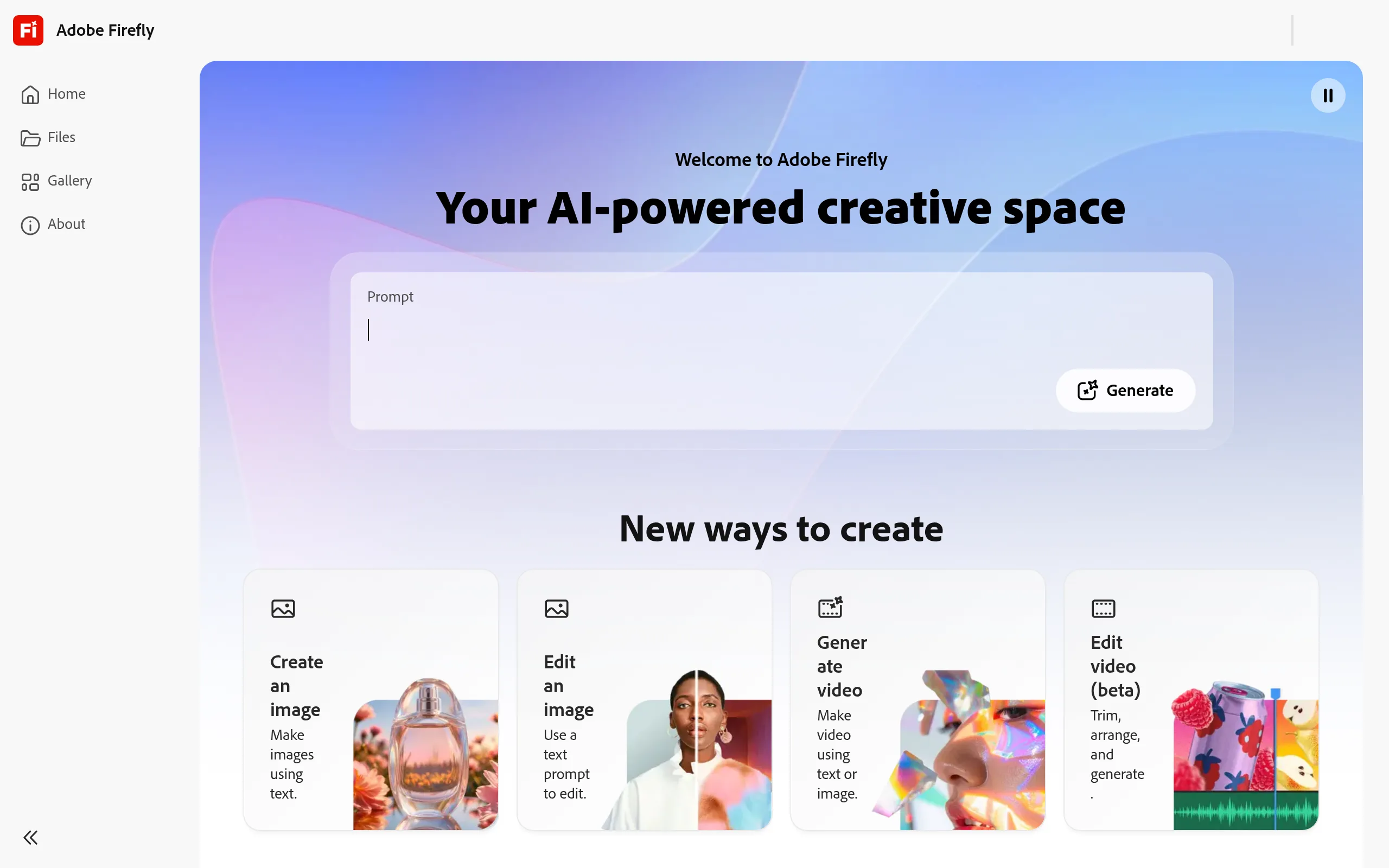
- Open Adobe Firefly - go to firefly.adobe.com and select the "Text to Image" section.
- Copy the prompt from this template and paste it into the text input field.
- Fill in the placeholders - replace all values in square brackets with your parameters. For example, [design style] → minimalist.
- Start the generation - click "Generate" and wait for 4 image variants.
- Choose the best result and adjust one parameter if necessary to improve the final outcome.
- Download the image in the required format (PNG or JPG) for use in your project or coursework.
Example result
- Style
- Minimalist flat design, clean lines
- Object
- Poster for ecology coursework
- Color palette
- Green, white, light gray
- Mood
- Professional, calm
- Neural Network
- Adobe Firefly 3
Using this prompt, Adobe Firefly generates a clean minimalist poster with centered composition, soft studio lighting, and professional typography - perfect for presentation or coursework design.
Tips and variations
- Add reference style: Specify "in the style of Swiss design" or "inspired by Dieter Rams" - this greatly enhances the quality and recognizability of the result.
- Use negative parameters: Adobe Firefly has an "Avoid" field - enter "blurry, text, watermark, cluttered" to remove excess elements.
- For coursework or educational projects: Choose aspect ratio 16:9 or A4 (2480×3508 px) - it's standard for presentations and print.
- Iterate on one parameter: Change only one placeholder at a time to understand what precisely affects the result.
Alternative neural networks: This prompt also works great in DALL-E 3 (ChatGPT), Canva AI, and Leonardo.ai - the structure is universal for any text-to-image tool.