
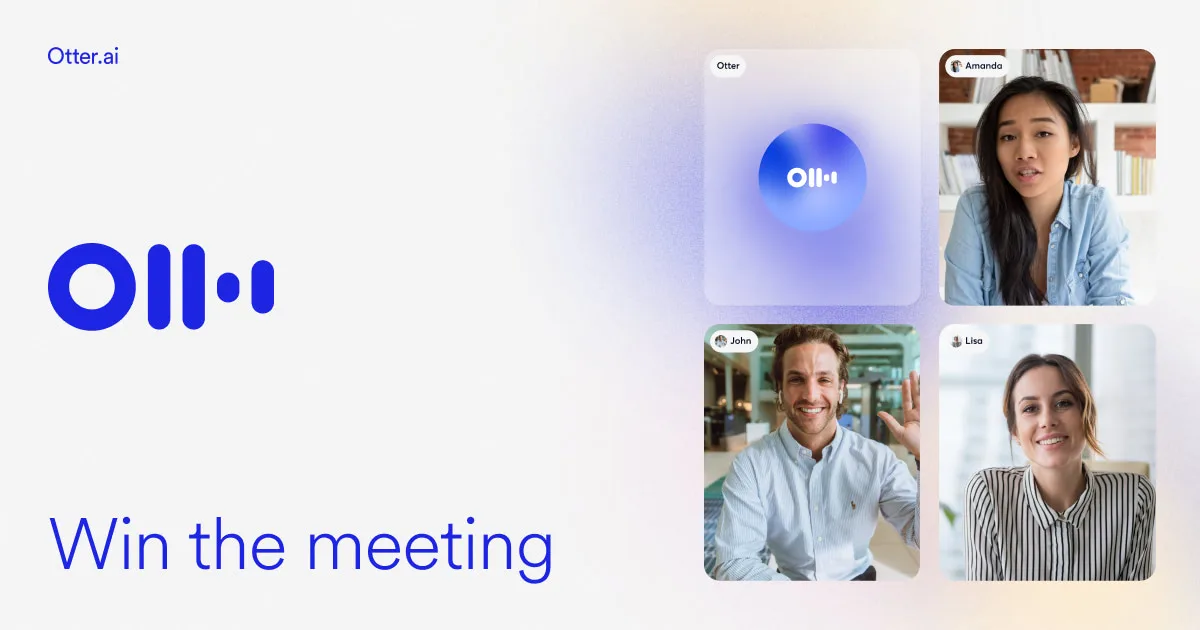
Otter.ai
- Free: 300 mins/month, Pro - $8.33/month (annual billing)
- Web, iOS, Android, Chrome Extension
- Transcription accuracy up to 95% (English)
- OtterPilot: auto-connect to Zoom, Meet, Teams
- Integrations: Slack, Salesforce, HubSpot, Zapier, and more.
Meeting ends, summary is already with all participants
Otter.ai is an AI transcription service by AISense Inc., which converts speech from meetings, lectures, and interviews into structured text during the conversation. Over 9 years, the tool has grown to 20 million users and has become the standard for teams working in Zoom, Google Meet, and Microsoft Teams.
Key Features of Otter.ai
- OtterPilot - The AI agent automatically connects to Zoom, Google Meet, and Microsoft Teams, records the meeting, forms a transcript, and distributes a summary to all participants upon completion.
- Real-Time Transcription - Speech of multiple speakers is recognized simultaneously with Speaker Identification; up to 95% accuracy for English.
- AI Chat on Recordings - Ask questions directly about specific meetings or several at once: “What objections did the client mention?” - the AI provides an answer from transcriptions.
- Automatic Action Items - The system highlights tasks and agreements noted during the meeting, forming a separate list without manual markup.
- Import Audio and Video - Upload MP3, MP4, WAV, and other formats for transcribing old records or interviews; up to 25 files a month on the Business plan.
- Channels - Team channels for organizing transcriptions by projects and departments, building a corporate knowledge base from all past meetings.
- Export and Sharing - Transcripts can be downloaded in PDF, DOCX, TXT, SRT formats; links can be accessed in the browser without authorization.
Advantages and Disadvantages of Otter.ai
- 90-95% accuracy for English
- OtterPilot requires no manual setup
- 300 minutes free without a card
- Synchronized playback by clicking on a word
- 10 integration platforms: from Slack to Salesforce
- Russian language not supported
- Quality drops with noise and accents
- 30-minute limit on Free plan meetings
- Business concerns over recording confidentiality
Otter.ai Plans and Pricing
- 300 minutes per month
- Up to 30 minutes per meeting
- 3 audio file imports
- OtterPilot for Zoom/Meet/Teams
- AI Chat - basic queries
- 1200 minutes per month
- Up to 90 minutes per meeting
- 10 audio file imports
- Advanced Summary and Action Items
- Export PDF/DOCX/TXT
- 6000 minutes per month
- Up to 4 hours per meeting
- 25 audio file imports
- Channels and team access
- Analytics and priority support
- Unlimited minutes by contract
- SSO and HIPAA compliance
- Dedicated Customer Success Manager
- Custom integrations and SLA
Otter.ai vs Competitors
Main alternatives include Fireflies.ai, Grain, Zoom AI Companion, and Microsoft Copilot for Teams. Each occupies its niche.
- Fireflies.ai - More focused on CRM sales analytics; Otter.ai wins in the educational segment and mobile app convenience.
- Zoom AI Companion - Operates within the Zoom ecosystem only and on specific plans; Otter.ai supports Zoom, Meet, and Teams simultaneously.
- Microsoft Copilot (Teams) - Available exclusively to Microsoft 365 Copilot subscribers and does not extend beyond Teams; Otter.ai is a cross-platform solution not tied to any vendor.
- Rev.ai - API service for developers with professional transcription; Otter.ai is a ready-to-use product with a UI, requiring no technical knowledge.
- Grain - Specializes in clipping key moments; Otter.ai provides a full suite of transcription and AI summarization tools.
Otter.ai Use Cases
Who Can Benefit from Otter.ai
- Students and Learners - Automatic lecture note-taking without interrupting the instructor.
- Managers and Leaders - OtterPilot handles meeting protocols and forms task lists for all occurrences.
- Journalists and Researchers - Quick transcription of interviews and search for quotes by keywords.
- Sales Teams and CS - Call recordings synchronized with notes in Salesforce and HubSpot.
- HR and Recruiters - Structured transcription for comparing candidates in interviews.
How to Get Started with Otter.ai
-
1Create an Account - Register at otter.ai using Google, Microsoft, or email; the free plan activates immediately without a card.
-
2Connect Your Calendar - Sync Google Calendar or Outlook for OtterPilot to automatically detect and record planned meetings.
-
3Install the Chrome Extension - To work directly in the browser during Google Meet or other web conferences without a separate application.
-
4Conduct Your First Meeting - OtterPilot will connect automatically; upon completion, open the transcript, try AI Chat, and verify recognition accuracy.
-
Organize Channels - Create channels by projects or departments and add colleagues for joint access to the transcription base.
Frequently Asked Questions about Otter.ai
Is Otter.ai Free?
Yes, the basic plan is completely free with no time limit: 300 minutes of transcription per month, up to 30 minutes per meeting, OtterPilot for Zoom/Meet/Teams.
Does Otter.ai Support Russian Language?
No, the main language of the service is English, with partial support for Spanish and French. Russian is not supported, and the transcription quality for Russian is unacceptable.
How to Automatically Connect OtterPilot to Zoom?
Sync Google Calendar or Outlook in the Otter.ai settings - OtterPilot will automatically detect meetings with Zoom/Meet/Teams links and connect without manual launch.
Is It Safe to Store Meeting Records in Otter.ai?
Otter.ai uses encryption for data transmission and storage; the Enterprise plan supports SSO and optional HIPAA compliance. Nevertheless, some corporate and legal teams prefer to store sensitive negotiations within their own infrastructure.
Otter.ai addresses a real problem: meetings have become the foundation of the work process, but the recording of agreements still falls on people's shoulders. If you’re working with Zoom, Google Meet, or Teams in English - the tool pays off even on the free plan. Start with Basic and discover how OtterPilot changes the approach to meetings.