
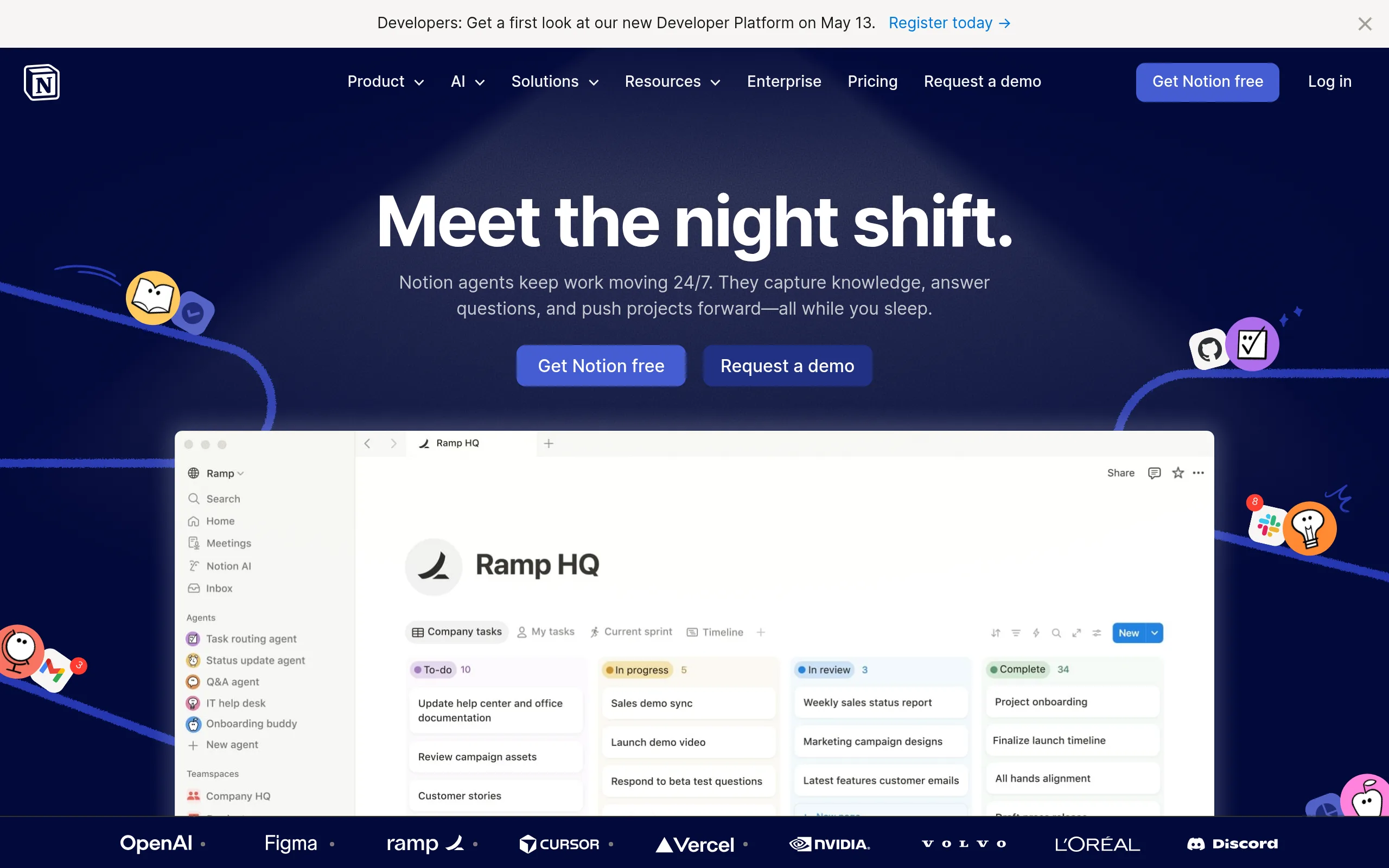
Notion AI
- $10/month for unlimited AI requests
- 20 free requests for testing
- Works within Notion, no external services
- Supports Russian and 8 other languages
- Accessible on Web, iOS, Android, Windows, macOS
Notion AI is a built-in artificial intelligence for working with documents, databases, and notes inside Notion. It is launched with the command /AI directly in the text, generates content, summarizes lengthy materials, and automatically fills in tables.
Developed by Notion Labs Inc. and launched in February 2023 as an addition to the main product. It works on all Notion platforms - from web version to mobile applications.
Key Features of Notion AI
- Generation of texts in any format - creates article drafts, emails, to-do lists, briefs, and job descriptions considering the context of your page.
- Automatic document summarization - transforms lengthy meeting notes and project materials into concise highlights, preserving key points.
- Enhancement of written text - corrects grammar, changes tone (formal, friendly, professional), simplifies complex phrases, and expands short notes.
- Q&A system for content - answers questions about the content of any page or database based on your materials.
- Auto-completion of tables and databases - analyzes structures, fills fields, extracts information from text, and creates links between records.
- Translation between languages - translates texts directly within the document without copying to external services, supports Russian and 8 more languages.
- Idea generation and brainstorming - helps develop concepts, suggest solutions, create project plans or document structures.
- Extraction of action items - automatically forms a list of tasks and next steps based on a meeting or project discussion summary.
Pros and Cons
- Works within Notion without switching
- Understands workspace context and connections
- High-quality handling of the Russian language
- Saves 30-45% of time on routine tasks
- Simple interface without complex prompts
- Additional subscription $10/month on top of Notion
- Unavailable to new Free/Plus users
- No memory between sessions
Pricing and Plans
- 20 free AI requests
- All generation and editing features
- Access on all devices
- For exploring capabilities
- Unlimited AI requests
- All generation and editing features
- Works with databases
- Access on all devices
- Business plan required for new clients
The AI add-on is paid separately from the main Notion subscription. As of May 13, 2025, new users can activate AI only on Business ($15/seat) and Enterprise plans.
Comparison with Alternatives
ChatGPT works as a universal chatbot in a separate window - you need to copy text there and back. Notion AI is integrated into the workflow, understands the structure of the entire workspace, and automatically considers the page context. For teams already working in Notion, the built-in AI is 40-50% more convenient for task execution.
Microsoft 365 Copilot is integrated into Word, Excel, and Outlook, costing $30/month - three times more than Notion AI. Copilot is more powerful for working with tables and presentations, but Notion AI is better suited for knowledge structuring, project management, and database creation. If your team uses Notion as the main tool, overpaying for Copilot doesn't make sense.
Google Workspace AI (Duet AI) works in the Google Docs and Sheets ecosystem, great for collaborative document work. Notion AI is more flexible for building knowledge management systems, roadmap planning, and cross-functional database work - where more than just text editing is needed, but information structuring as well.
Use Cases
Who Should Use Notion AI
- Project Managers and Product Managers - quickly structure documentation, prepare reports, roadmaps, and technical tasks using AI-generated drafts.
- Content Managers and Copywriters - manage content plans in Notion, speed up draft creation, idea generation, and text editing.
- Remote Work Teams and Startups - automate routine tasks: creating meeting notes, identifying action items, and knowledge base formation for the team.
- Students and Educators - summarize lectures, translate academic texts, and formulate research plans based on notes.
How to Start with Notion AI
-
1Open any page in Notion - if you don't have an account yet, sign up on the official website. The process takes less than a minute.
-
2Activate the AI trial period - enter the command /AI or highlight text and select "Ask AI" in the pop-up menu. You'll get 20 free requests.
-
3Write a request in Russian - for example, "create a task list from this note" or "summarize this document in 3 sentences." The AI will complete the command in 3-5 seconds.
-
4Activate a paid subscription - after using the 20 requests, purchase the AI Add-on for $10/month in the workspace settings. For new users, the Business plan ($15/seat) is required.
Integrations and Platforms
Notion AI works everywhere Notion is available:
Supported integrations for data synchronization:
FAQs
How much does Notion AI cost?
$10/month per user as an add-on to the main Notion subscription. There are 20 free requests to try out the functionality.
Is Notion AI available on the free plan?
As of May 2025, new users on Free and Plus plans cannot activate AI - a Business plan ($15/seat) is required. Existing users retain access.
Does Notion AI work in Russian?
Yes, it supports generation, translation, and text editing in Russian without critical errors. 9 languages are available in total.
How does Notion AI differ from ChatGPT?
Notion AI is integrated into the workspace, understands the context of all your documents and databases. ChatGPT is a standalone chatbot, requiring text to be copied there and back.
Conclusion
Notion AI is a powerful tool for teams already working in Notion and needing automation of routine text and data tasks. Its deep integration into the workspace and understanding of document context make it more convenient than universal AI assistants for daily work. The limitation on access for new users on free plans is a drawback, but for teams on the Business plan, the additional $10/seat is justified by a 30-45% time saving. Try 20 free requests to evaluate the real benefits for your workflow.