
InVideo AI
- Free plan: 10 min generation per week, watermark export
- Plus from $25/month - Sora 2 + VEO 3.1 in one subscription
- Platforms: Web, iOS, Android
- 50+ languages, voice cloning with 30-second audio
- Founded in 2017, $52.5 million funding (Series B)
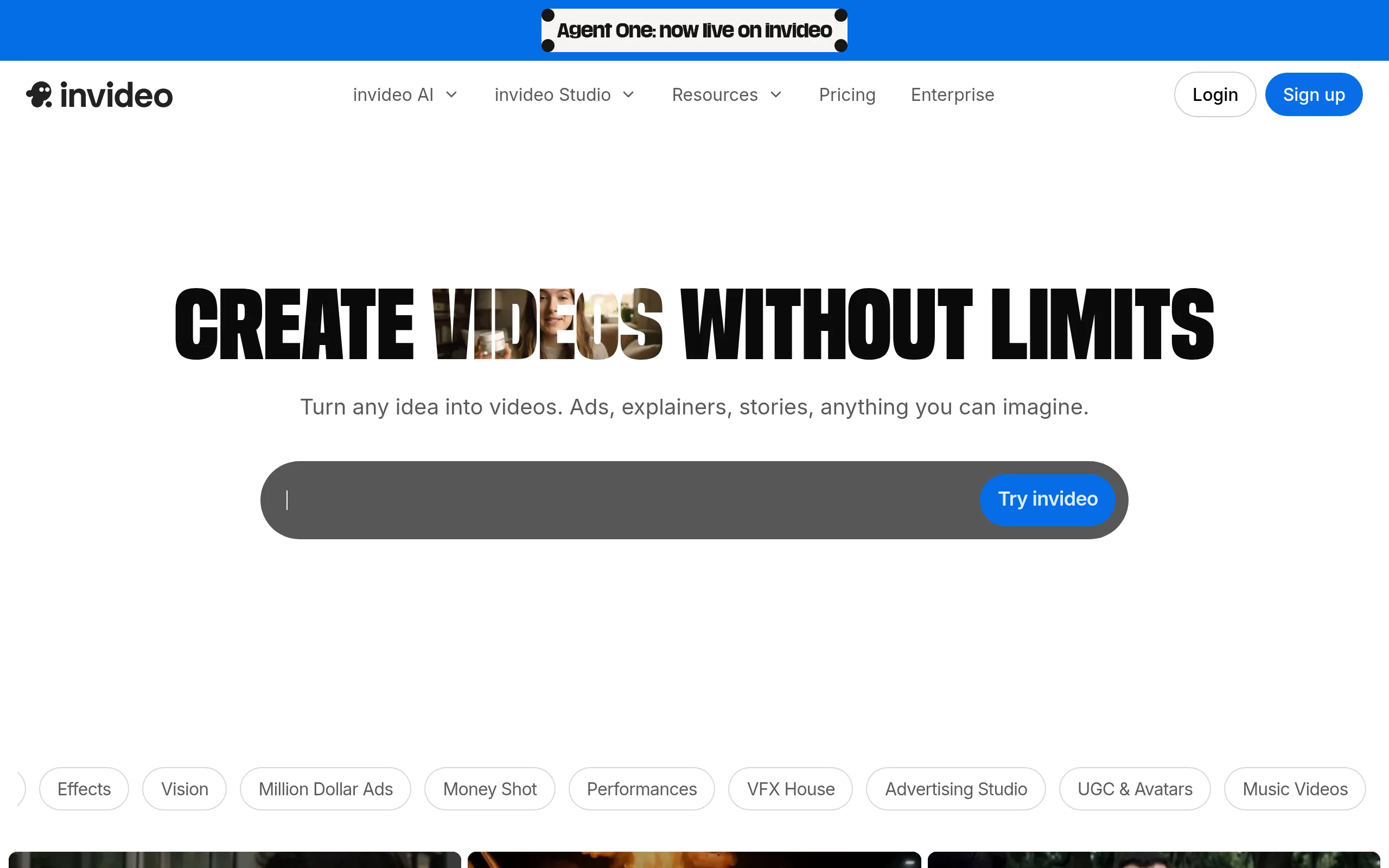
InVideo AI is an end-to-end platform for generating videos from text: you enter a prompt or script, and the service automatically selects stock clips, writes the script, adds voiceover, music, and subtitles in less than 5 minutes. In 2025, the platform became the first official partner of OpenAI for Sora 2 and integrated Google VEO 3.1 - a unique combination in the market.
Key Features of InVideo AI
- Text-to-Video with 500+ Micro-Solutions - AI processes over 500 parameters when creating a video: clip selection, script, voice, music, subtitles, transitions - all automatically.
- Sora 2 + VEO 3.1 in One Subscription - the only platform combining top generative video models from OpenAI and Google in one plan from $25/month.
- Voice Cloning - upload a 30-second audio sample, and the platform will create a digital clone of your voice: 2 clones on Plus, up to 5 clones on Max.
- Autopilot and Agent Mode - two operation modes: fully automatic video generation up to 30 minutes or a conversational AI agent with project memory for iterative edits.
- VFX House (Post-Production) - Relight tools (lighting changes), Prop Swap (object replacement in frame), AI Colorist (cinematic color correction) without DaVinci Resolve.
- Library of 16+ Million Media Files - stock clips, images, and music from iStock, Shutterstock, and Storyblocks; 80 iStock assets/month on Plus, 320/month on Max.
- AI Avatars and AI Twin - library of virtual actors for UGC content and creating your own digital twin, voicing scripts in various languages without filming.
Pros and Cons of the Platform
- Sora 2 + VEO 3.1 for $25/month instead of $450+
- Complete pipeline from prompt to publication
- Voice cloning from a 30-second sample
- 10,000+ templates for all formats
- 50+ languages and multilingual export
- VFX House without third-party editors
- Opaque credit system
- Refunds only for zero usage within 7 days
- AI scripts require refinement ~25% of cases
- Weak manual timeline control
InVideo AI Plans and Pricing
- 10 min AI generation per week
- 4 exports per week with watermark
- 2.5 million standard media files
- 10 GB storage
- No commercial rights
- 50 min AI generation per month
- Unlimited export without watermark
- 80 iStock assets per month
- 2 voice clones
- Sora 2 + VEO 3.1
- 100 GB storage, HD export
- 200 min AI generation per month
- 320 iStock assets per month
- 5 voice clones
- 4K export
- 400 GB storage
- Advanced team features
- High generation limit
- Custom avatars
- API access
- For agencies and large teams
Comparison with Competitors
HeyGen exceeds InVideo in terms of photorealistic avatars and lip-synced video translation but does not offer a full end-to-end pipeline from prompts and does not include Sora 2 / VEO 3.1 in a single subscription.
Runway focuses on cinematic quality of individual clips with high artistic control through Gen-4, though it does not compile script, voice, music, and export in one tool. Pictory is more convenient for quickly converting blog posts into short clips but does not support 4K, avatars, or generative video models at Sora's level.
Who is InVideo AI Suitable For
- Content Creators and YouTubers - automate routine editing and quickly create drafts for YouTube, TikTok, and Shorts.
- Marketers and Advertising Teams - UGC videos, promo clips, and Amazon A+ content without film equipment.
- Small and Medium Business - professional video content without a video production studio and complex software.
- Educators and E-learning Specialists - educational videos and explanatory clips for online courses with minimal effort.
How to Start with InVideo AI
-
1Register for Free - go to invideo.io, create an account via email or Google. No card required for the Free plan.
-
2Enter a Prompt or Script - describe the video topic in the AI Generation field or paste ready-made text. Specify the platform (YouTube, TikTok, Reels) and desired length.
-
3Select a Generation Mode - Autopilot for a fully automatic result or Agent Mode for conversational editing with AI agent step-by-step.
-
4Refine and Export - give text commands (“change accent,” “remove scene 3,” “add subtitles”) and download the finished video in HD or 4K.
Frequently Asked Questions
Is InVideo AI free?
Yes, the platform offers a perpetual Free plan with 10 minutes of AI generation per week and 4 exports with a watermark. Commercial rights and access to Sora 2 / VEO 3.1 are available only on paid plans from $25/month.
What are Sora 2 and VEO 3.1 in InVideo and why are they needed?
Sora 2 (OpenAI) and VEO 3.1 (Google) are top generative video models of 2025, creating realistic video clips from text descriptions. InVideo is the only platform including both models in one subscription; separately, they cost $200 and ~$250/month respectively.
How does voice cloning work in InVideo?
You just need to upload a 30-second audio sample of your voice - the platform creates a digital clone that then voices any scripts in the chosen language. The Plus plan supports 2 clones, Max - up to 5.
How does InVideo AI differ from Synthesia and HeyGen?
Synthesia and HeyGen specialize in AI avatars and corporate training but do not offer a complete pipeline from prompt to finished video and do not include Sora 2 / VEO 3.1. InVideo covers the entire production process - script, clips, voice, music, and post-production - in one interface.
With an ARR of $70 million (March 2025) and 8 million videos monthly, InVideo AI holds a strong position among platforms for automated video production. For content creators and marketers needing fast results without editing experience, it is one of the most comprehensive tools available on the market right now.