
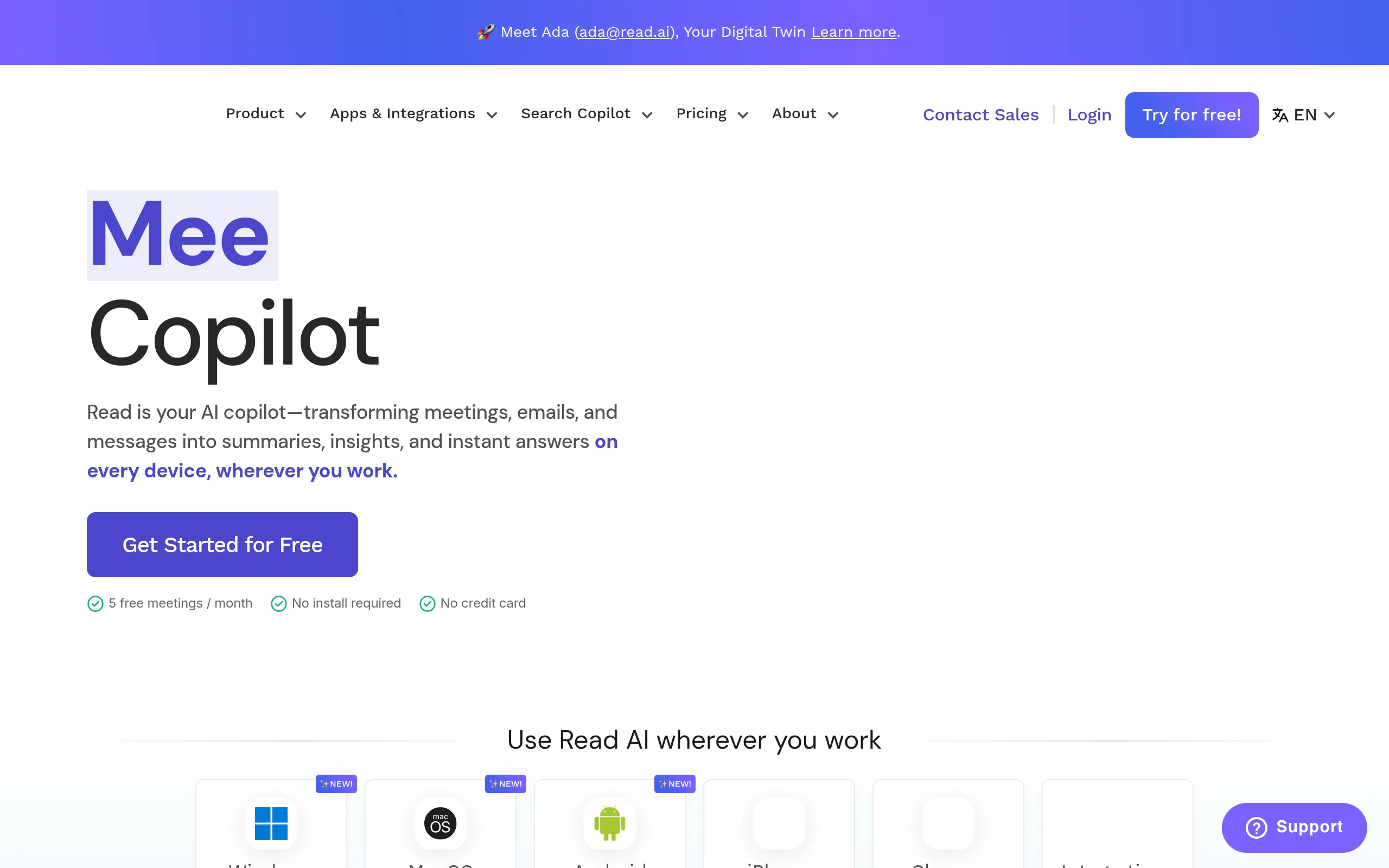
Read AI
- Free: $0, Pro - from $19/mo/user
- Web, iOS, Android, Chrome, API
- 10+ specialized AI agents
- Official Zoom partner
- Integration with Salesforce, HubSpot, Slack
Read AI turns every meeting into a structured knowledge base with autonomous AI agents. The platform doesn't just record meetings - it analyzes discussions, updates CRM, generates video clips, and even attends meetings for you through the digital twin Ada.
The tool is deeply integrated with Zoom, Google Meet, and Microsoft Teams, works as an official Zoom app, and is used by teams from startups to corporations to automate routine tasks after each call.
Key Features of Read AI
- Real-time Automatic Transcription - The system accurately recognizes speech in meetings on Zoom, Google Meet, Microsoft Teams, and Webex, creating detailed speaker-separated records.
- AI Agents Ecosystem - The Monday Briefing Agent prepares weekly briefings, the End of Week Agent summarizes the week, and the Post-Meeting Summary Agent automatically sends summaries after each meeting.
- Search Copilot - Intelligent search across all company meetings, documents, and correspondence, turning thousands of hours of recordings into instantly accessible knowledge bases.
- Digital Twin Ada - An AI assistant with the address ada@read.ai, who can attend meetings for you, take notes, and send summaries - ideal for different time zones.
- Sales Funnel Agent - Automatically updates HubSpot and Salesforce based on client meeting data, using AGI technology for sales that becomes more accurate with each use.
- Coaching Agent - Analyzes speech, talk time, and tone in meetings, providing personalized recommendations for improving communication with specific, measurable metrics.
- Video Highlights Generator - Automatically creates short clips of key meeting moments, saving hours on manual editing and creating ready-to-share content.
- Topics Agent - Identifies recurring themes in company discussions, helping managers see patterns and make informed decisions based on real data.
Advantages and Disadvantages
- Ecosystem of specialized AI agents
- Digital Twin Ada
- Official partnership with Zoom
- CRM auto-update without manual input
- Powerful Search Copilot
- Personalized communication coaching
- Fully functional free plan
- Partial support for the Russian language
- High cost for large teams
- Requires stable internet
- Agents sometimes give excessive recommendations
Read AI Pricing and Plans
- Meeting transcription
- Basic AI agents
- Limited Search Copilot
- Integrations with Zoom, Meet, Teams
- All Free features
- Full access to all AI agents
- Unlimited Search Copilot
- Digital Twin Ada
- Advanced analytics
- Priority support
- All Pro features
- Custom AI agents
- Dedicated infrastructure
- SSO and advanced security
- SLA and personal manager
Prices are based on annual payment - monthly subscription costs more. The free version is available with no time restrictions, Pro features can be tested in demo mode.
Comparison with Competitors
Read AI competes with Otter.ai, Fireflies.ai, Fathom, and Tactiq, but occupies a unique niche thanks to its AI agents ecosystem. Otter focuses on transcription, Fireflies is cheaper for basic features, Fathom is simpler for small teams, and Tactiq works as a lightweight browser extension.
The main advantage of Read AI is it doesn't just record meetings but fully automates the entire workflow: from CRM auto-updates through the Sales Funnel Agent to video content creation through the Video Highlights Generator. The digital twin Ada is a feature not found in any competitor. Meanwhile, the platform is deeply integrated with corporate systems and is an official Zoom partner.
Fireflies is better priced for teams up to 10 people, but Read AI scales better for the enterprise segment thanks to its dedicated infrastructure and SSO. For companies needing not just transcription but an intelligent knowledge management system, Read AI is a more complete solution.
Usage Scenarios for Read AI
Who Read AI is for
- Executives and Managers - Conducting 10+ meetings a week and needing automation of documenting decisions. Saves up to 5 hours weekly on summary writing.
- Sales Teams - Working with CRM and needing automatic data updates after each client call without manual entry into Salesforce or HubSpot.
- Remote Teams - In different time zones where synchronizing presence at all meetings is challenging. Ada solves the problem of missed meetings.
- HR Specialists and Recruiters - Conducting dozens of interviews and needing structured records for hiring decisions with quick search capabilities.
- Consultants and Agencies - Working with multiple clients simultaneously. The Search Copilot allows instant recall of discussion details with any client.
How to Get Started with Read AI
-
1Create a free account - Go to read.ai, sign up via Google or email. The process takes less than a minute; no card is required.
-
2Connect your calendar - Provide access to Google Calendar or Outlook. Read AI will automatically identify upcoming meetings in Zoom, Meet, or Teams.
-
3Conduct your first meeting - Start your video conference as usual. Read AI will automatically join, start transcription, and activate AI agents.
-
4Receive summary - 2-3 minutes post-meeting, receive a structured summary with key decisions, tasks, and video highlights via email or Slack.
Integrations and Platforms
Read AI works on all major platforms and integrates with essential workflow tools:
Supported video platforms and integrations:
Frequently Asked Questions
Is there a free version of Read AI?
Yes, the free plan includes basic meeting transcription, limited access to AI agents, and Search Copilot with no time usage restrictions.
Does Read AI support the Russian language?
Russian transcription works but with limitations. Full functionality of AI agents and the interface is available in English, Spanish, French, and German.
What is the digital twin Ada?
Ada (ada@read.ai) is an AI assistant that can attend meetings for you, take notes, and send summaries. Especially useful for meetings in different time zones.
Is it safe to use Read AI for confidential meetings?
The Enterprise plan includes SSO, dedicated infrastructure, and advanced security settings. On-premise solutions are available for critical data upon request.
Conclusion
Read AI is not just a transcription tool but a comprehensive platform with an ecosystem of autonomous AI agents for automating the entire meeting workflow. The digital twin Ada, automatic CRM updates, intelligent search across all meetings, and personalized coaching make the tool indispensable for teams conducting dozens of meetings weekly. Start with the free plan and see how automating routine tasks liberates hours for strategic work.